Meta app releases quick audio adjustment during calls on iPhone
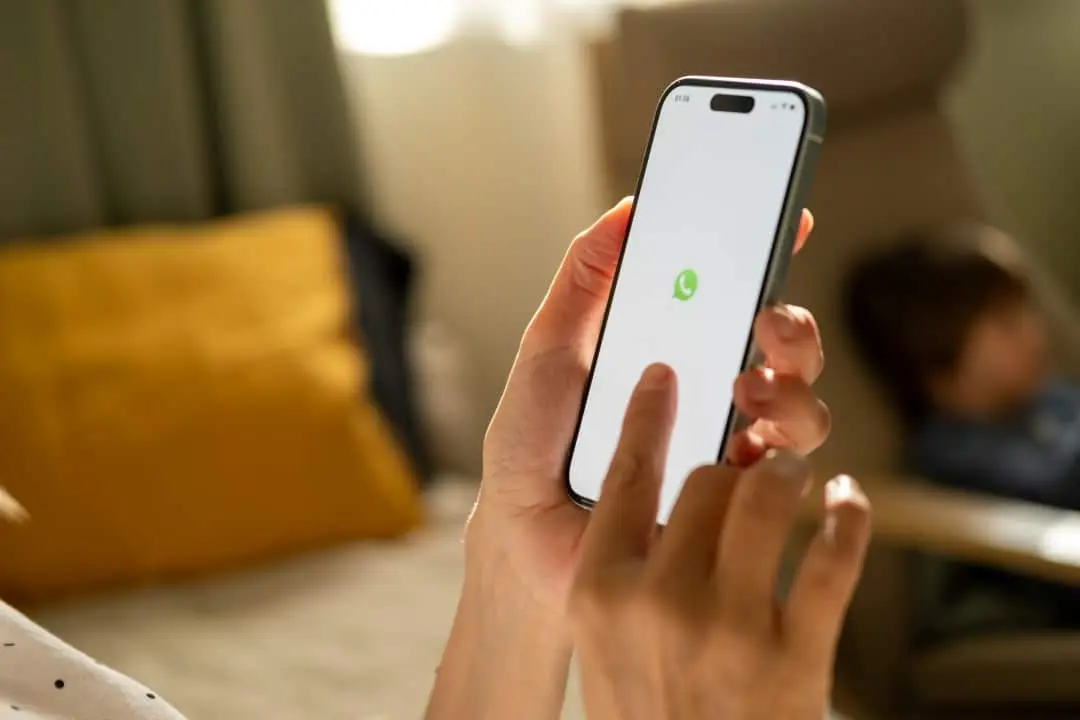
Apple smartphone owners who rely on Meta messenger for voice and video communications are about to receive an update focused on sound quality. The instant messaging platform began distributing a button dedicated to audio capture adjustments, positioned directly on the active call screen. This change eliminates the need to minimize the application to search for operating system settings during an important conversation. The implementation of this facility will occur in a phased manner over the next few days, gradually reaching the global user base of Apple’s mobile system.
Changes to the main interface make it easier to configure sound in real time
With the recent visual change, individuals using Apple’s mobile ecosystem gain the ability to manage microphone behavior without leaving the chat screen. This integration aims to provide more agile control over the clarity of the transmitted voice, allowing you to block external noise or capture the sound of the entire environment in a matter of seconds. Until now, any change of this type required the person to slide their finger across the screen to open the device’s Control Center, a process that often caused unnecessary distractions in the middle of meetings or family conversations.
On the same topic: Apple prepares changes in macOS 27 to fix visual glitches on Mac screens
When tapping on the new icon available in the communication interface, the individual is faced with a menu containing four different sound processing profiles to adapt the capture to their immediate needs:
- Automatic mode: the software evaluates the surrounding acoustic scenario and defines the best capture strategy for the moment.
- Default configuration: The hardware component operates with its original factory guidelines without applying advanced acoustic cleaning filters.
- Isolation filter: the system uses artificial intelligence to separate human speech from external noise, blocking sounds of traffic, wind or crowds.
- Wide capture: the sound spectrum is fully liberated to record everything that happens in the environment, an ideal option for transmitting shows or family events to those on the other end of the line.
After choosing one of these profiles, the messenger remembers the device owner’s preference for future interactions. This means that you will not have to retrace your path through the menus with each new call received or made, ensuring a continuous user experience without technical interruptions. Persisting this setting saves time and automates an adjustment that previously required constant manual attention.
Technology based on Apple’s operating system requires no third-party solutions
The functioning of this newly added shortcut depends entirely on the native tools created by the iPhone manufacturer. The sound frequency separation technology was originally introduced in late 2021, during the launch of iOS 15, and received significant polish in the following major annual updates. By releasing these programming keys, the Cupertino company allowed external developers to take advantage of the processing power of Bionic line chips to deliver crystal-clear audio without having to create complex algorithms from scratch.
There is a notable architectural difference in the way the messenger handles audio depending on the platform used by the client. On devices equipped with the Google system, the development team had to build its own noise suppression engine, consuming the application’s internal resources and requiring constant code updates. In the Apple environment, the option was to outsource this heavy work to the cell phone’s own hardware, resulting in lower battery consumption and greater efficiency when it comes to cleaning the interlocutor’s voice.
Full coverage: Latest News (EN)
See Also

São Paulo advances to the quarterfinals of the Copa Sudamericana with a convincing triumph at Morumbis and goals from Calleri, Luciano and Sabino

Cow hit by train surprises by getting up and walking in India

Rocket that reverses: China recovers reusable rocket stage with landing on land
Direct impact on the routine of those who work or study via cell phone
The ease of access to these sound filters transforms the way people carry out their daily commitments through the digital environment. Considering that billions of calls are made monthly via the platform on a global scale, ensuring clean communication stops being a luxury and becomes a basic necessity. Clarity in speech transmission prevents misunderstandings, speeds up decision-making and reduces mental fatigue associated with calls with poor quality audio.
A common scenario perfectly illustrates the usefulness of the tool: trying to attend a professional conference while walking along an avenue with heavy traffic. By activating noise blocking directly on the messenger screen, the noise of engines and horns almost magically disappears for whoever is listening on the other side. Professionals working remotely and students in virtual classes gain an extra layer of privacy, preventing household sounds from leaking out during their presentations or alignment meetings.
On the other hand, there are times when the sound context is as important as the voice of the person holding the device. Full-spectrum mode shines in shared entertainment situations, such as when a user wants family members to perfectly hear a child’s school performance or the sound of a band playing in the square. The agility to move between absolute silence and total immersion in the environment, with just one touch of the screen, represents a considerable advance in the usability of communication software.
Procedures necessary to ensure receipt of the new audio tool
The distribution of this improvement follows a batch release schedule, a common practice in the technology industry to avoid overloading servers and monitor possible stability failures. To ensure access to the new feature, the smartphone owner needs to keep the application in its latest version, making periodic downloads through Apple’s official software store. Devices running very old editions of the operating system may not be compatible with the required sound processing technology, limiting access to the most recent models.
After installing the most current data package, the control button will appear automatically as soon as a new connection is started, without requiring navigation through complex internal configuration menus. The company responsible for the application expects all compatible devices to receive the visual modification over the next few weeks. This move reinforces the company’s strategy of keeping its product competitive against rivals that already offer advanced video conferencing features in the corporate and personal market.