Mini-ITX PC Guide: How to build a compact, high-performance machine

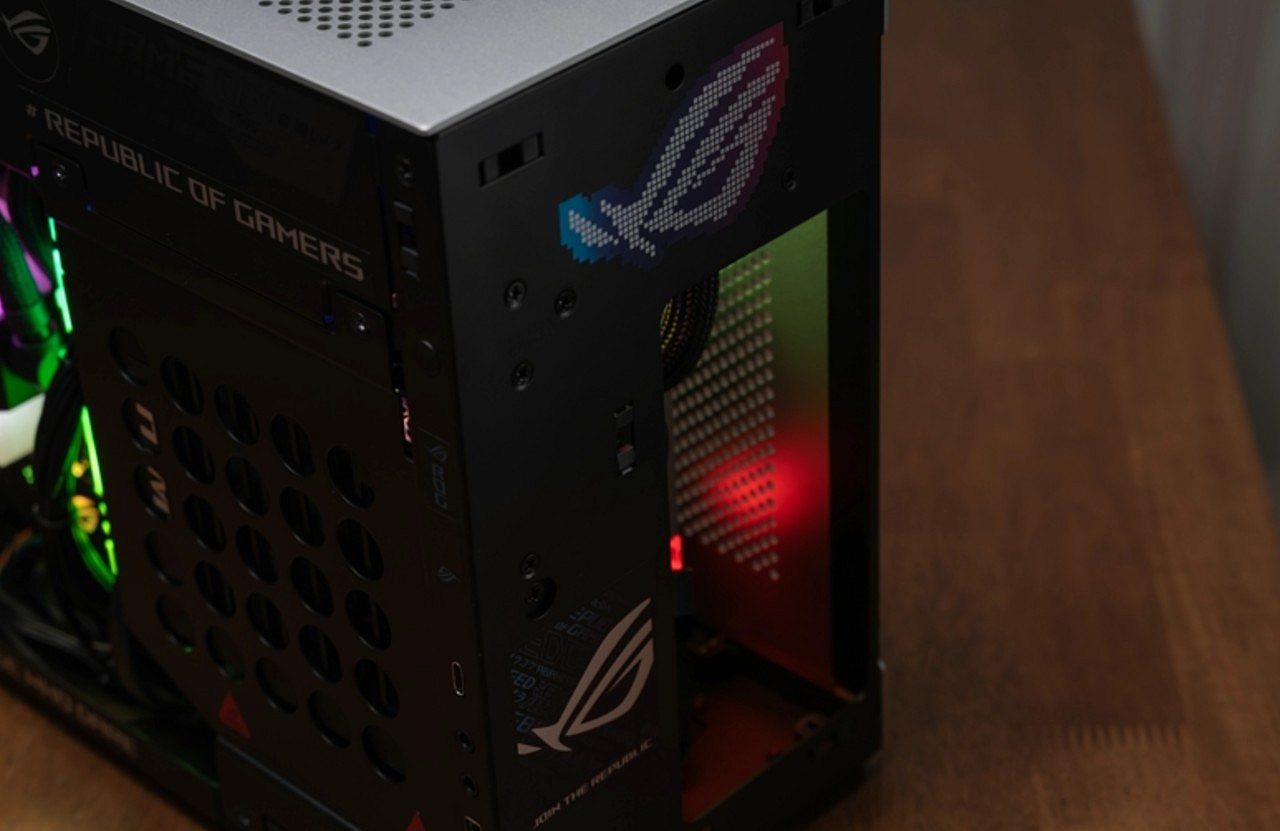
Assembling a conventional desktop computer, such as an ATX model, is generally a simple task, comparable to a construction game with parts that fit together easily and offer plenty of internal space. However, assembling a Mini-ITX PC presents a more complex challenge, requiring detailed planning. The main objective is to condense the capacity of a powerful machine into a case that can be the size of a shoebox.
The search for minimalist and efficient setups has grown, driving the desire for compact and powerful PCs, ideal for small spaces or for those looking for mobility without giving up processing power. Despite this, high-performance components are becoming larger, generating more heat and, consequently, costing more. For those who want to explore the universe of mini PCs, some crucial guidelines can avoid errors when selecting and installing parts.
The importance of the case when assembling a compact PC
In standard-sized computer systems, processor and graphics card selection are often the priority, as larger cases provide ample room for space. In the Mini-ITX format, however, the case is the determining element. It is essential to choose the chassis before purchasing any other component and always consult the specifications provided by the manufacturer. This attention allows you to know the exact limits for the height of the processor cooler and the length of your graphics card, avoiding guesswork or inaccurate measurements.
Choosing the ideal cooling for the processor
Selecting the cooling system for the processor in a Mini-ITX PC is a decisive step and varies depending on the case. Most compact models are compatible with low-profile air coolers. There are, however, some options that allow the use of liquid cooling systems (water cooler), although with certain limitations.
For very narrow cases, a low-profile air cooler is a must. It is crucial to check the maximum height supported by the cabinet. Popular cooler models have heights such as 37mm, 47mm or 55mm. If the case supports up to 47mm and a 48mm cooler is purchased, it will not allow the lid to be closed or will cause friction, resulting in noise and decreased thermal efficiency.
Some modern ITX cases, such as the Cooler Master NR200P and the Lian Li A4-H2O, are designed to house water cooler solutions. In these cases, extra attention must be paid to the height of the pump block and the flexibility of the hoses, as very rigid tubes can be difficult to position in confined spaces. It’s worth noting that these cases tend to be a little larger compared to those designed exclusively for air coolers.
The impact of video card size on design
Many users only care about the length of the video card, forgetting about its thickness. With newer GPUs, cards have become bulkier. An enclosure may have sufficient space in length but be limited to 2 or 2.5 slots in thickness.
Attempting to install a robust 3.5-slot graphics card, which is common in high-performance models, will result in collisions with the side of the case or exhaust fans, compromising the success of the assembly.
Additionally, care must be taken with the 16-pin power connector, which should not be bent excessively. In narrower cases, you may need to purchase a custom cable with a 90-degree angled connector to be able to close the lid properly.
The need for an SFX power supply
It is not advisable to improvise with conventional ATX sources. They take up vital space that should be used for cable management and airflow, and they often don’t fit in Mini-ITX cases. Investing in a high-quality modular SFX or SFX-L power supply is essential. The cables for these sources are shorter and made specifically for small cases, making assembly and cabling management considerably easier.
Be careful with the height of the RAM memory modules
In configurations that use air coolers, the processor heatsink often extends over the RAM slots, or at least over one of them. Purchasing memory modules with very large RGB heatsinks may prevent the cooler from fitting correctly. Therefore, it is preferable to opt for low-profile memories or memories that do not have extravagant heatsinks.
Eliminate the use of SATA cables on your compact PC
Avoid occupying the internal space of the case with 2.5-inch SSDs and their respective power and data cables. Use the M.2 NVMe slots available on your motherboard, usually one on the front and one on the back of ITX boards. Reducing the number of cables contributes to better airflow and simplifies the assembly process.
Thermal planning and undervolt adjustment are crucial
Installing high-power processors, such as a Ryzen 9 or a Core i9, in a restricted volume of 10 liters requires an effective thermal strategy. Choose fans with high static pressure to optimize air movement within the case. Additionally, learning how to perform Undervolt, which consists of reducing the processor voltage while maintaining the clock rate, is almost a requirement for ITX PC owners, as this practice significantly reduces the temperature without compromising performance.