Siri with AI changes traditional notification gesture in iOS 27 and iPadOS

A significant change is on the way for iPhone and iPad users, changing a long-standing habit of accessing the Notification Center. Starting with iOS 27, Apple is implementing a new system that prioritizes interaction with Siri using artificial intelligence (AI), modifying a standard gesture that has existed for 15 years. The update, which is currently in the beta phase, is scheduled for official launch this month.
A new era for accessing Apple notifications
Since iOS 5, released in 2011, Apple devices, including iPhone and iPad, have had the Notification Center, a unified space to view alerts from different applications. Traditional access to this center was done by sliding your finger down from the center of the top edge of the screen. This convention has established “muscle memory” for millions of users over more than a decade and a half.
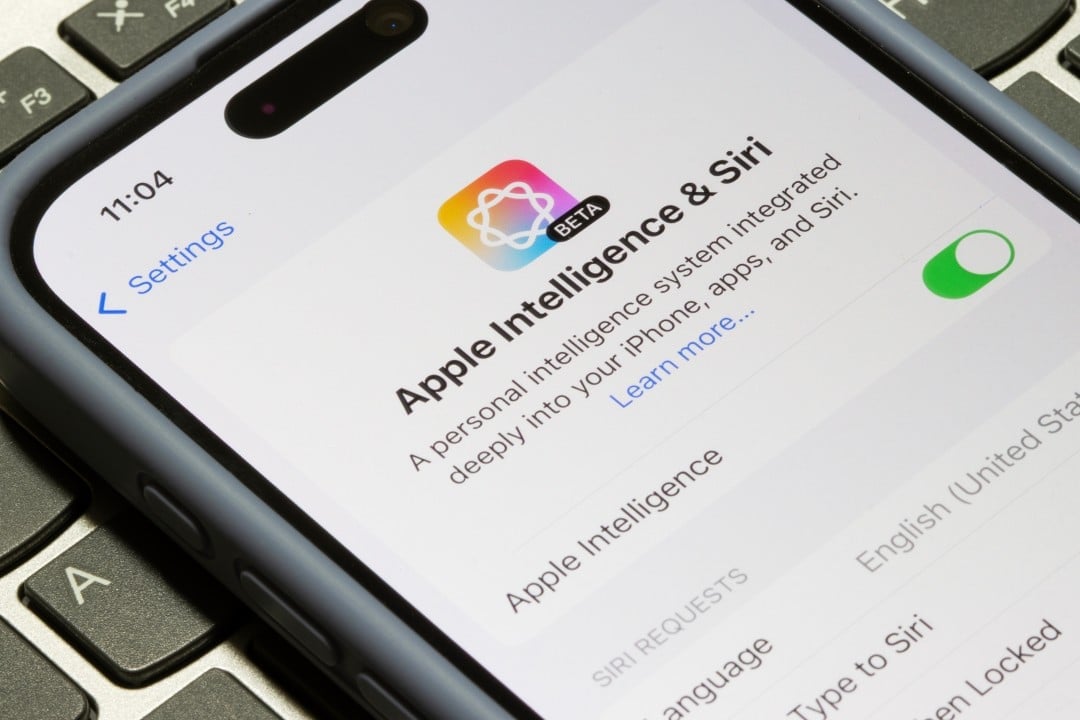
Siri with artificial intelligence takes center stage on devices
The main reason for redefining this gesture is Apple’s strong prioritization of Siri with AI in iOS 27. One of the several ways to activate the new virtual assistant, once enabled, is to slide your finger down from the center of the top edge of the iPhone or iPad. As a result, most of this area at the top of the screen is now dedicated to activating artificial intelligence.
New way to access your notifications
The change means that Notification Center alerts are now accessed using a different gesture. Users will need to swipe down from the top left corner of the screen. This new approach is accompanied by a specific animation that aims to guide the user to the smaller activation area, visually indicating where the warnings originate.
- Old Gesture (up to iOS 26):Swiping down from the center of the top edge opened the Notification Center.
- New gesture (iOS 27 with Siri AI enabled):Swiping down from the center of the top edge activates AI-powered Siri.
- Access to Notification Center (iOS 27 with Siri AI enabled):Swipe down from the top left corner.
iPadOS 27 system improvements
During the beta phases, Apple made adjustments to optimize the experience, especially in iPadOS 27. Initially, in the first beta version of iPadOS 27, the area to open the Notification Center was significantly reduced, decreasing even further if the user turned off the display of the AM/PM or date format. The company improved this interface in the second beta version, creating a more uniform division on the screen. Now, the area is approximately the width of two columns of applications, with the Notification Center positioned on the left and the Control Center on the right, dedicating the rest of the space to activating Siri.
Adaptation Challenges for iPhone and iPad Users
Changing a gesture so ingrained in users’ “muscle memory” represents an adaptation challenge. Many will need considerable time to get used to the new way of interacting with notifications. Despite the initial impact, first impressions of Apple’s new Siri AI system have been considered positive. The expectation is that, with continued use, users will develop new muscle memory for accessing features, even if the absence of an option to disable the new Siri gesture leads some to desire the alternative of returning to the previous default. iOS 27 is available in beta versions for developers and the general public, with the official launch expected this month.