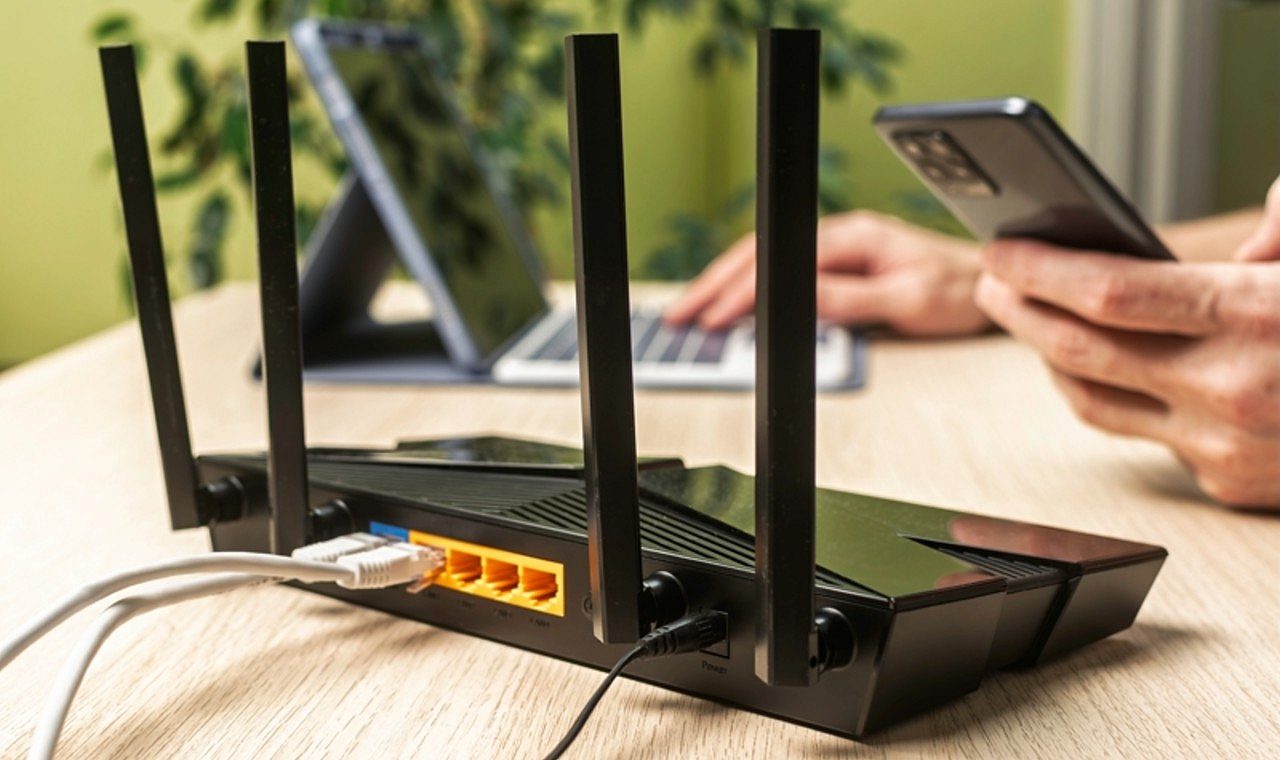
Placing mirrors directly in front of or alongside wireless internet routers reduces network stability and shrinks indoor connectivity ranges. Decorative glass pieces wider than one meter can trigger signal degradation of up to 60% by deflecting electromagnetic radio frequency waves, which stops data transmissions from dispersing evenly across living spaces.
This physical disruption stems from the composite materials used in household mirror manufacturing, where a transparent glass sheet covers a rear metallic coating made from silver or aluminum. The metal film functions as a solid obstruction against radio waves, preventing straight-line path penetration and redirecting wireless transmissions away from client devices located in adjoining rooms.
Physical structure of mirrors deflects electromagnetic transmissions
“Glass creates refraction, so it disperses Wi-Fi waves. Mirrors manage to be even worse: they combine a glass layer with a metallic layer, which disperses the signal completely and causes interference across the network,” stated Diogo Millnitz, Product and Business analyst at Brazilian technology manufacturer Intelbras. When antennas point straight at reflective glass, energy rebounds back toward the broadcasting source instead of propagating forward into household living areas.

The operational disruption mirrors the physics behind a Faraday cage, because conductive metals contain free electrons that interact dynamically with incoming electromagnetic radiation. This atomic interaction absorbs a portion of incoming transmission energy as minute electrical currents while bouncing the remaining waves backward, degrading wireless throughput throughout residential quarters.
Frequency band dynamics alter vulnerability to domestic obstructions
The standard 2.4 GHz frequency band, widely utilized in home networks due to its extended broadcast range, experiences the sharpest signal attenuation when encountering physical barriers and metal sheets. In contrast, higher-frequency 5 GHz channels operate over shorter per-room distances but withstand reflective electromagnetic interference from home furnishings with far greater overall integrity.
Beyond decorative glassware, several commonplace household fixtures disrupt radio wave propagation or broadcast on competing frequency spectrums. Heavy machinery and dense fluid containers consistently diminish indoor radio frequencies:
- Motorized kitchen appliances such as refrigerators that produce localized electromagnetic fields.
- Operational microwave ovens radiating directly across the shared 2.4 GHz frequency spectrum.
- High-capacity water containers, aquariums, and storage jugs that cause dielectric attenuation and absorb wireless energy.
- Thick structural masonry and reinforced concrete partitions that obstruct radio signal penetration.
- Metal objects including desktop computer cases, steel doors, and large television chassis.
“Any motorized appliance that is running produces an electromagnetic field. Generating an electromagnetic field creates localized interference,” Millnitz explained regarding electrical equipment operating on the same circuit lines or near router installations.
Technical practices for optimizing wireless router performance
To reduce transmission degradation caused by physical architecture, equipment vendors instruct homeowners to position routers on elevated platforms near the architectural center of a floor plan. Antenna arrays require an unobstructed 360-degree perimeter to disperse radio waves evenly, avoiding dead zones and preventing wasted signal radiation outside external perimeter walls.
“A wireless network expands outward in a circular pattern. The optimal scenario occurs when the router stands in the exact center of where coverage must be provided,” Millnitz declared. Technicians recommend maintaining a clearance distance of at least one meter between networking gear and large mirrors, glass surfaces, or heavy appliances.
For spacious properties or apartments bounded by unmovable structural barriers, consumers frequently deploy mesh networks, powerline adapters, or dedicated signal repeaters. Dedicated mobile diagnostic applications such as WiFiman and Wifi Analyzer map signal strength indicators room by room, allowing users to benchmark indoor reception levels before rearranging furniture.
Monitoring received signal metrics across mobile devices helps pinpoint dead zones and confirms bandwidth improvements once reflective wall mirrors are repositioned away from primary networking equipment.