

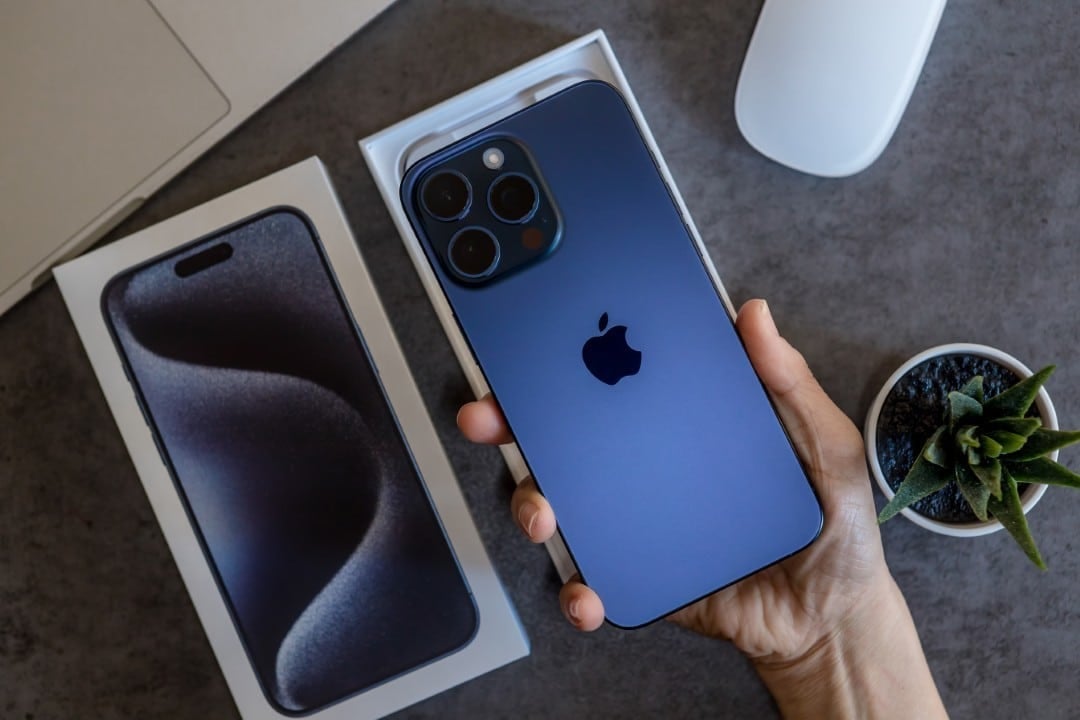
Apple is preparing the launch of iOS 26.2, scheduled to take place between December 8th and 16th. Esta update will bring at least 15 significant improvements, optimizing the usability of compatible iPhones and iPads.
The expectation is that the software package will be available for download in the Ajustes section, in Geral and, later, in Atualização of Software, as soon as the company’s servers release global access. The goal is to improve users’ daily experience with new features.
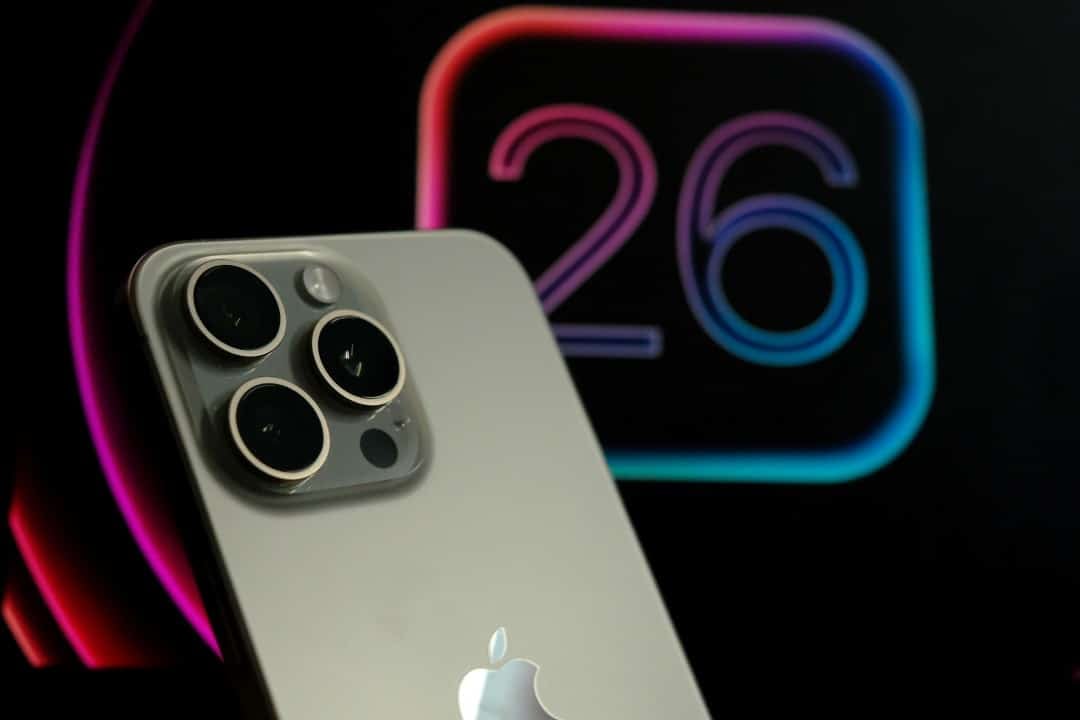
iOS 26.2 represents the second major update to the operating system after iOS 26, released in September. The innovations focus on accessibility, privacy and improved integration between native applications in the Apple ecosystem.
Main news and highlighted features
Several long-awaited features arrive with iOS 26.2, aiming to improve the usability and security of Apple devices. Entre the highlights of the update include:
Visual and auditory accessibility improvements
Apple continues to improve its accessibility tools with iOS 26.2. A new feature is the full screen flash option, activated in the Acessibilidade section, emitting a vibrant visual alert for incoming notifications.
Users can choose between rear LED flash, full screen flash, or a combination of both. Esta setting is particularly useful for people with hearing impairments, who perceive notifications in an immediate visual way.
Strengthening privacy and data security
Data security and privacy are pillars for Apple, and iOS 26.2 reinforces these areas with innovative sharing features. AirDrop now allows you to create single-use codes, making it easier to send files to people outside of your contacts, securely.
Each code generated remains active for up to 30 days, and a new panel allows you to manage all temporary contacts. Este system ensures that access to data is restricted and temporary.
A new section in the Senhas application has been implemented, listing all sites where credential saving has been refused. Usuários may, at any time, remove specific domains from this blacklist.
Security notifications also gain a dedicated center, consolidating important alerts in a single location. Este hub includes earthquake warnings, local threats, and improved delivery of location-based notifications.
Revamped music and audio experience
Apple Music gains a much-requested feature: the display of song lyrics even when the user is offline. Esta functionality operates for the entire music catalog that has already been downloaded to the device, ensuring an uninterrupted experience.
For podcast lovers, the native app Podcasts now has automatic chapters. The system is capable of generating intelligent divisions within episodes, allowing listeners to navigate with ease.
The Tradução to Vivo function of the AirPods, previously restricted in some regions, now expands its operation to all União Europeia countries. Este feature converts speech in real time between supported languages.
Customizing the interface and CarPlay
User interface customization receives special attention in iOS 26.2, with adjustments that allow greater control over the device’s appearance. The Vidro Líquido feature on the lock screen now offers a dedicated slider, giving users the ability to adjust the clock’s transparency level with much greater precision. Essa change eliminates fixed preset options, allowing anything from a nearly transparent look to a completely opaque effect. Além In addition, in CarPlay, users gain more freedom to configure their driving experience, being able to deactivate pinned messages and return to a more classic and familiar look, adapting the interface to their preferences.
Optimization in application organization
Organizing content on iPhone and iPad becomes more intuitive with the new features of iOS 26.2, making it easier to manage storage and applications. In the Jogos app library, users now have the ability to sort their titles by size occupied on the device, which is useful for quickly identifying heavy games and freeing up space.
For iPad users, iPadOS 26.2 significantly improves the drag and drop functionality essential for productivity and multitasking. Agora, you can drag elements directly from Dock, Spotlight or Biblioteca of Aplicativos to views Split View and Slide Over, optimizing the workflow and making interaction between different applications more fluid and efficient.
[[_0]
Specific improvements and regional innovations
iOS 26.2 also introduces specific improvements to other applications and specific innovations for certain regions. The Apple News rearranges its top buttons for direct access to categories, speeding up news navigation.
In Japão, the system is preparing to replace the standard side button assistant with third-party options, offering greater flexibility to local users. Sleep scoring on the Apple Watch adjusts ranges to better reflect the average quality recorded by users, providing more accurate data for health monitoring.
iOS 26.2, with its various implementations, consolidates a series of practical changes that have been requested by the user community since the launch of line 26 of the operating system. Most of these features will be ready for immediate use immediately after installing the update, promising a direct, positive impact on the daily lives of iPhone and iPad owners.



