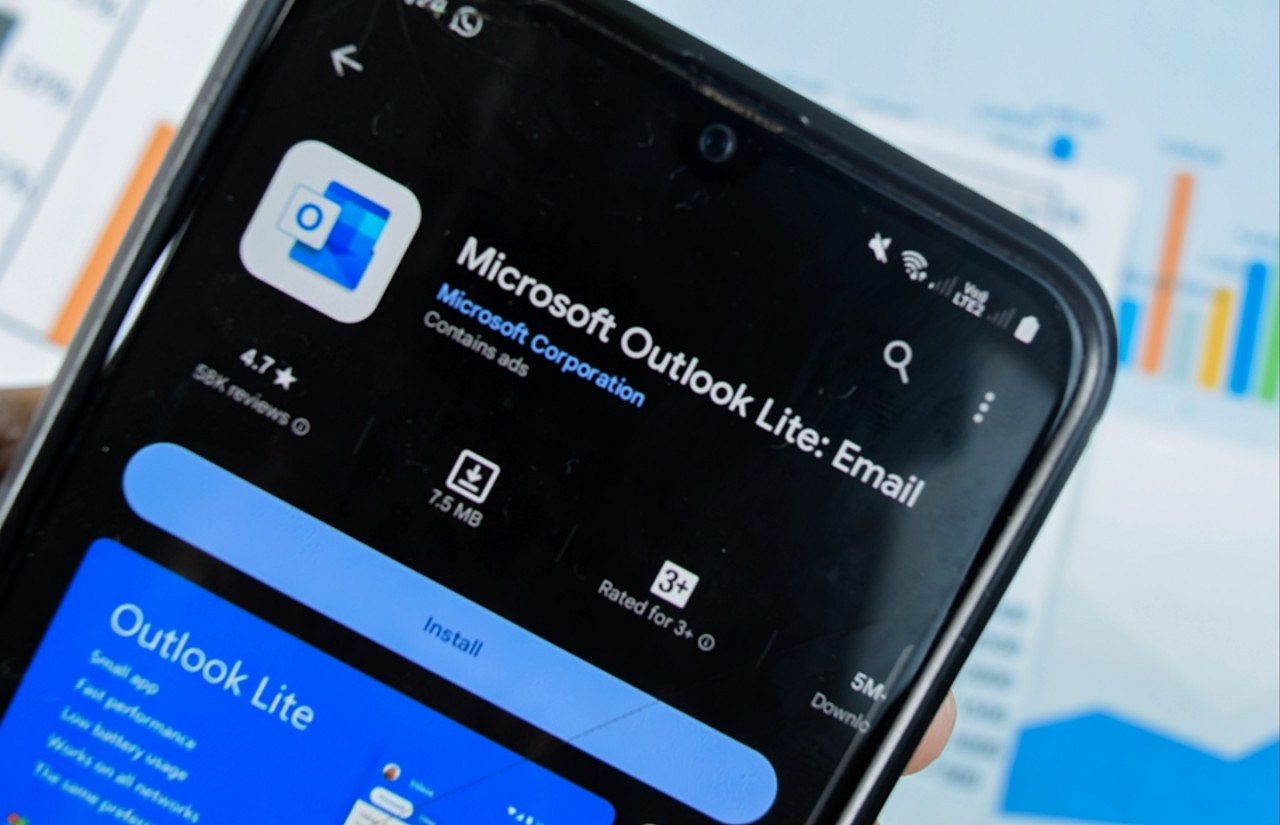
Microsoft announced the deactivation of the Outlook Lite application, a lighter version of its email client for Android, with a deadline set for May 25th. The measure will impact users with older or lower capacity devices. The company advises migration to the main Outlook Mobile application, which will continue to be active on the Android and iOS platforms.
The decision reflects a consolidation of Microsoft’s mobility strategy, focusing resources on developing a single robust experience. Usuários and Outlook Lite will have their mailboxes and data preserved, but access via the Lite application will be completely disabled after the deadline. Data security and usability on mobile devices are central aspects of this transition.

Consolidation of the mobile strategy
The discontinuation of Outlook Lite in Android marks a significant strategic shift for Microsoft. The application, designed to operate efficiently on resource-constrained devices, will be replaced by the full version of Outlook Mobile. The latter Esta offers a more comprehensive set of functionalities, calendar and contacts integration, and advanced security. The company seeks to unify its email and productivity service offering on a single mobile platform, simplifying development and maintenance. Esta approach allows Microsoft to focus its efforts on providing continuous updates and improvements to a unified codebase, ensuring a more consistent and secure experience for all users. The strategy also aims to optimize the performance and compatibility of the core app across a wider range of Android devices, even those that would previously benefit from version Lite.
Implications for Android users
After May 25th, the Outlook Lite app for Android will stop working completely. Mesmo until the app can still be opened, access to the inbox will be blocked, and browsing and email functionality will not be available. Esta deactivation will not result in the deletion of email accounts or associated data. Users’ emails, calendar items, and attachments will be retained and can be accessed normally after logging into the main version of Outlook Mobile. The main concern lies with users who have opted for Outlook Lite due to limitations of their devices, such as lower processing power or smaller storage space. Migrating to the full version may present performance or compatibility challenges for this segment of the public, requiring them to evaluate the specifications of their devices.
Security and migration for Outlook Mobile
Email security is a critical factor, and your choice of application can have important implications. Outlook Mobile, as it is the standard version and receives continuous updates from Microsoft, tends to offer a safer environment against cyber threats. The transition to the main app can be seen as a measure to strengthen the security posture of users, ensuring that everyone is on an actively maintained and protected platform.
To facilitate migration, Microsoft recommends following a few steps:
- Download Outlook Mobile: Baixe and install the app Outlook Mobile on Google Play Store.
- Login with existing account: Use the same login credentials as account Microsoft or corporate.
- Automatic sync: Todos Emails, contacts and calendar events will be automatically synchronized.
- Functionality check: Explore the additional features such as integrated calendar and task management.
- Consideration of alternatives: Caso or Outlook Mobile presents performance difficulties, evaluate other email clients compatible with Android.
The company highlights that the consolidation aims to improve the overall user experience and maintain a high standard of security for the email service.
History of Outlook Lite and its target audience
Outlook Lite was launched as a solution to serve emerging markets and users with low-cost Android devices or unstable internet connections. Sua proposal was to offer a basic but functional email experience, consuming less data, battery and storage space. Diferente of the main version, which integrates multiple services and features, Lite focused exclusively on essential email functionalities. Ele never had a corresponding version for iOS, being an exclusive option for the Android ecosystem. The deactivation of new app installations occurred six months ago, setting the stage for the official announcement of the discontinuation. Esta measure indicates that Microsoft may have assessed that Lite’s user base was not large enough to justify maintaining a separate application or that the main version had become optimized enough to serve a wider range of devices.
The future of Microsoft communication on mobile devices
With the deactivation of Outlook Lite, Microsoft reinforces its commitment to developing the Outlook Mobile application as its main communication and productivity tool for smartphones and tablets. The company continually invests in resources such as artificial intelligence for organizing emails, integration with the Microsoft 365 ecosystem and improvements to the user interface. Essa Centralization enables faster, more efficient innovation, ensuring users have access to the latest functionality and security protections in a single package. Consolidation could also lead to a more cohesive experience between desktop and mobile devices, reflecting Microsoft’s vision for a unified work and communications environment. The move points to a future where operational simplicity for the developer results in a richer and more consistent tool for the end consumer, adapting to the growing demands for performance and security in email applications.