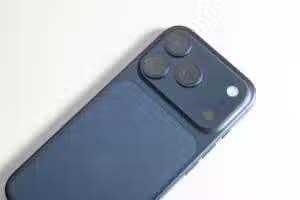
Samsung Galaxy S26 Ultra works as a webcam via USB without additional software
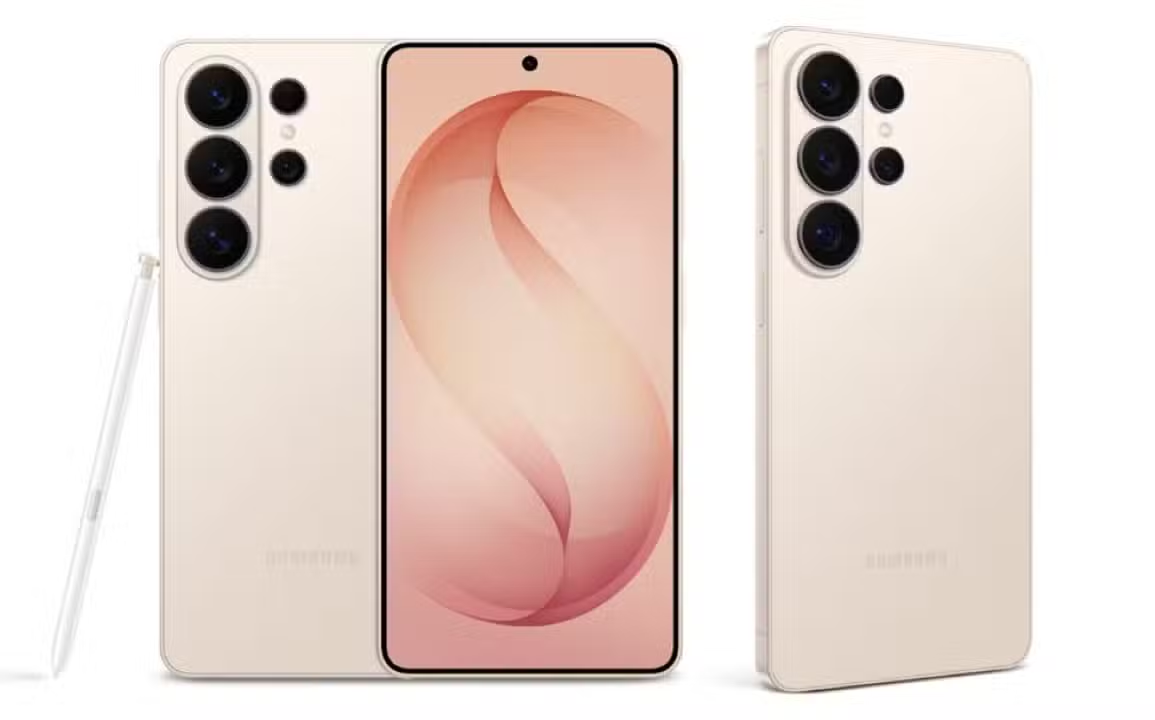
The Samsung Galaxy S26 Ultra has an unexpected feature that solves a common problem among computer users: transforming into a high-quality webcam. Conectado via USB-C cable to a PC with Windows, the smartphone is automatically recognized as a camera without the need for drivers or additional software, operating at up to 1080p and 60 fps in plug-and-play mode.
The discovery came about during a personal equipment overhaul, when a user replaced his MacBook Pro with a desktop computer and needed a quick solution for video conferencing. Após testing an Vivo
Configuração simple in two steps
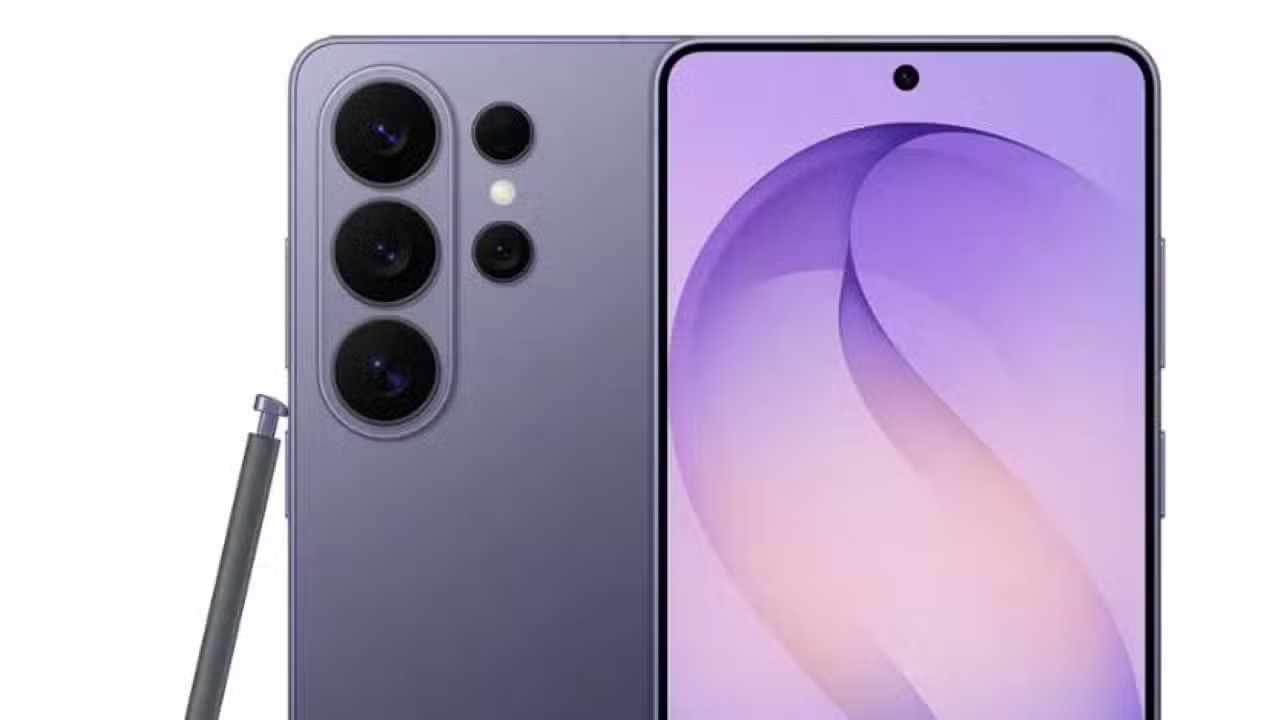
The process to activate the function does not require technical knowledge. Bastam simple movements on the smartphone and a mode selection to transform the device into a functional external camera.
The steps are:
- Conectar the cell phone to the computer using a USB-C cable
- Deslizar the smartphone’s notification panel and tap “USB to charge phone”
- Selecionar the “Webcam” option in the USB connection settings
- Escolher between front or rear camera as needed
- Aguardar o Windows recognize device as default camera
The Windows detects the Galaxy S26 Ultra as a native USB camera device, eliminating the need to install drivers or additional programs. The connection is instantaneous between the smartphone and the operating system.
Imaging Qualidade Outperforms Laptop Webcams
The performance of the S26 Ultra’s camera as a webcam proved to be superior to most models integrated into conventional notebooks. In practical tests with Google Meet, the smartphone maintained consistent quality without crashes or communication problems between devices.
The smartphone captures video in 1080p resolution at a rate of 60 frames per second. Visual quality presented itself as a viable alternative to purchasing a dedicated webcam for regular video conferences. Usuários can position the device on an adjustable support at the desired height and angle, allowing personalized framing during professional meetings.


The camera can be changed between the phone’s available options: main, wide-angle and front camera. Essa flexibility offers versatility not found in traditional computer webcams.
Detalhe valuable in multifunctional smartphone
The feature does not justify the isolated purchase of the S26 Ultra, but it represents an appreciable difference in a device that already offers excellent cameras as its primary function. The possibility of reusing the smartphone as a video input peripheral saves expenses on external equipment in emergency situations or technological reforms.
Webcam mode works regularly in professional meetings without interruptions. Nenhum special driver is necessary for the Windows to recognize and use the device as the system’s default camera.
The Samsung also includes the option to select which phone camera will be used after activating webcam mode. Toque in the “Webcam” setting displays a real-time preview of the captured image on the smartphone’s display.
See Also em Latest News (EN)
IOS 26.5 Beta 4 is now available with performance and RCS improvements
02/05/2026
Kathy Hilton denies responsibility for guest’s fall at Bel Air mansion
02/05/2026
Apple ends Intel support in macOS 27 and kills Rosetta 2 in September
02/05/2026
Tesla Model X leads used car market in the US with sales in 25.6 days
02/05/2026
Berkshire Meeting Reveals Changing Era with Greg Abel Featured in Omaha
02/05/2026
Berkshire Hathaway reduces attendance at annual shopping event, with Greg Abel in the spotlight
02/05/2026
Gas over $8 makes Los Angeles drivers spend $100 per fill-up
02/05/2026
Nintendo announces nine releases for Switch 2 and Switch in May 2026(99)
02/05/2026
Crimson Desert receives update 1.05 with rematch mode and new challenges
02/05/2026
Samsung regains leadership in smartphones with Galaxy S26 in the first quarter of 2026
02/05/2026
Vellfire Sedan gets rear diffuser and returns to the track in preparation for Toyota event
02/05/2026