MacOS 26.4 update brings native battery control and new emojis for Apple users
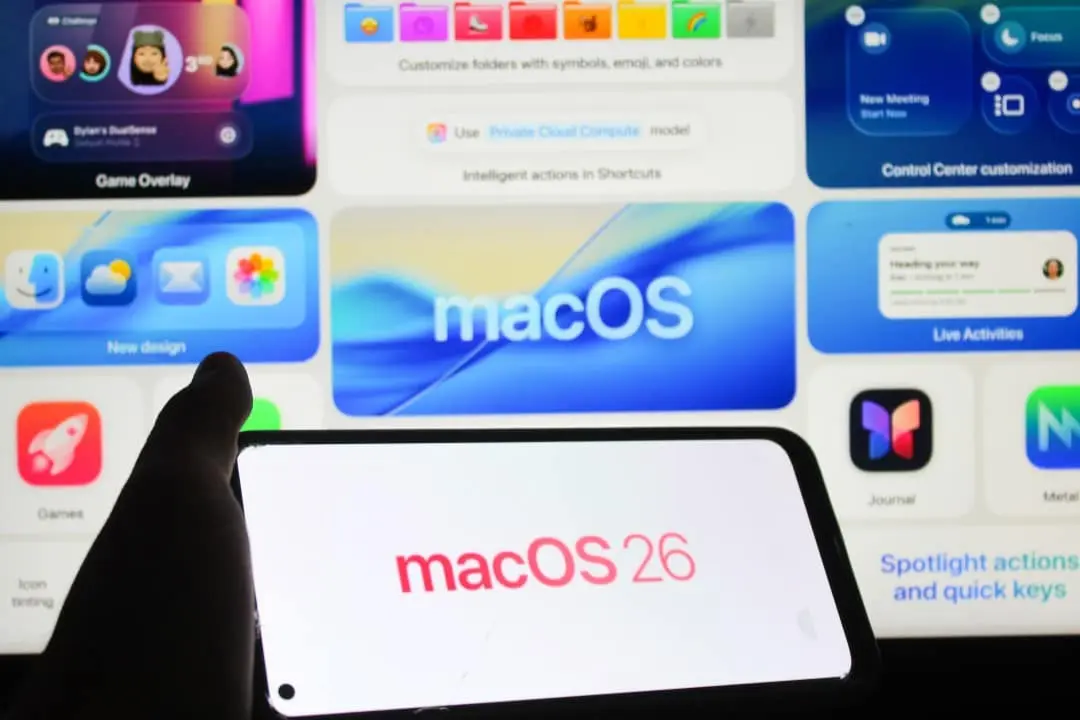
Apple has made the final version of macOS 26.4 available for free download on all compatible computers in the Mac line. The software package reaches users after a testing period focused on stability and security. The new edition of the operating system introduces power management tools, graphical interface adjustments and new character packs for digital communication.
The release comes as part of the ongoing Tahoe 26th generation improvement cycle. Engenheiros’s software company has prioritized resolving glitches reported by the developer community over the past few months. The changes implemented seek to refine the daily usability of the machines without making drastic changes to the visual identity already established by the manufacturer.
Correção visual and new characters on the system keyboard
One of the most anticipated aesthetic adjustments involves the behavior of the mouse cursor at the edges of windows. The development team fixed a misalignment that affected accuracy when resizing applications on the desktop. The pointer now follows the rounded shape of the edges exactly. The change eliminates the frustration of users who deal with multiple windows open simultaneously and require agility in organizing their workspace.
More on this story: Notable difference: Moto G Max receives 7,000 mAh battery in India, bigger than in Brazil
The system’s visual communication catalog was expanded with the integration of new standardized icons. The update ensures compatibility with the latest standards from the Unicode consortium. Correct visualization of these elements requires that both the sender and the recipient have up-to-date software.
- Oito new emojis integrate the operating system’s native virtual keyboard.
- Additions include figures such as a ballerina, distorted face, fight cloud, orca and trombone.
- Dispositivos with previous versions of the system will display a generic error symbol when receiving new figures.
Visual standardization ensures that messages exchanged between different platforms maintain the original meaning. The emoji keyboard can be quickly accessed through system shortcuts in any text entry field.
Native Power Gerenciamento eliminates external applications
Preserving the useful life of hardware components has a dedicated tool in the system settings. macOS 26.4 introduces a battery charge limiter that allows the owner to set the energy supply ceiling between 80% and 100%. The functionality operates in 5% increments and offers granular control over the machine’s feed cycle.
Learn more: Rumors about the iPhone 18 Pro indicate three major advances for the 2026 model
Especialistas in hardware point out that keeping lithium-ion batteries constantly at full charge can accelerate the chemical wear of the cells. Até At the time, owners of the brand’s portable computers depended on software developed by third parties to impose this type of restriction. The native incorporation of the feature simplifies the routine of those who use equipment connected to the socket most of the time. The battery preference pane centralizes these options in an accessible way.
Intelligent energy management reflects a change in the manufacturer’s stance regarding users’ autonomy over their devices. Direct control over recharge cycles extends the useful life of the internal component and reduces the need for early replacement in technical assistance.
Navegador Safari recovers compact layout to optimize screen
The operating system’s default browser has undergone a review of its main navigation interface. Apple has responded to the volume of requests from the user base and has restored the compact layout option to the Safari tab bar. The setting had been removed during the original release of the Tahoe 26 generation, sparking debate on technology forums.
See Also

Johnny Depp could return in Pirates of the Caribbean 6 with a different role, says producer

Mascot dispute: Sony plans creation to rival Hello Kitty’s success
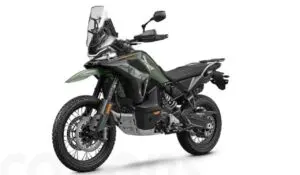
New CFMoto 1000MT-X 2026 challenges the maxienduro segment with a price below 10 thousand euros
The compact mode merges the address bar with the row of active tabs into a single horizontal strip. Essa’s architectural layout frees up valuable screen space, something especially useful for computer owners with smaller monitors. The search for terms or web addresses occurs directly in the tab space in use, maintaining the fluidity of internet browsing.
Profissionais that depend on dozens of pages open simultaneously find greater efficiency in the visual organization provided by this return. Switching between traditional separate mode and compact format occurs instantly through the application’s view menu.
On the same topic: New camera and battery arrive at iPhone 18 Pro Max with high price
Produtividade extended with Lembretes and family sharing
The native task organization application received improvements aimed at daily productivity. Lembretes software now supports marking urgent items via direct keyboard shortcuts. The functionality streamlines the workflow of people who manage complex projects and strict deadlines.
The platform allows the creation of smart lists specifically configured to filter and display only demands classified as high priority. The automatic organization system reduces the time spent manually sorting tasks accumulated throughout the week.
In the financial aspect of the ecosystem, the family sharing feature presents an important flexibility in charging rules. Commercial transactions carried out by members of the same family group in the company’s online stores no longer require an exclusive charge to the main administrator’s credit card. The structural change makes it easier to share costs and manage expenses in households with multiple consumers of digital content.
Integração artificial intelligence and architecture transition
The Freeform visual collaboration application incorporates new content generation technologies. Assinantes from the Creator Studio package receives access to a premium image bank directly in the tool panel. The software now integrates the OpenAI artificial intelligence model to expand the capabilities of creating and editing advanced graphic elements. The tool also offers the option of increasing the resolution of low-quality images through computational processing.
More on this story: IPhone 18 Pro Max leak indicates biggest battery in Apple history
Multimedia accessibility received special attention with the redesign of the closed captions menu. The system displays a real-time preview of text settings directly on the control icon during video playback. The modification allows the viewer to adjust the font size and color without needing to pause the content repeatedly to check the result.
The update issues the first official warnings about the imminent end of support for the Rosetta 2 code translator. The operating system displays notifications on the screen whenever software dependent on the Intel architecture is run. The manufacturer confirmed that the next generation of the system will mark the definitive end of compatibility with applications not optimized for Apple Silicon processors. Advance notice ensures plenty of time for developers and studios to finalize the transition of their products to the native architecture.