

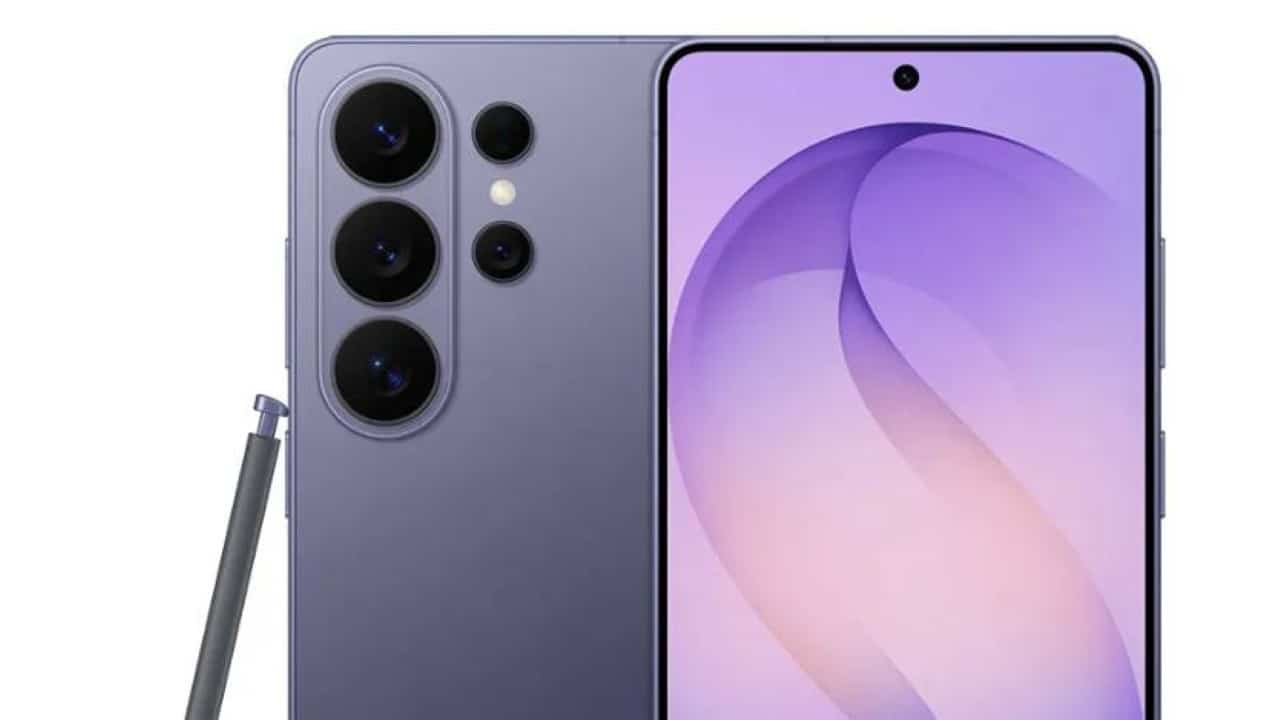
South Korean manufacturer Samsung has started expanding the One UI 8.5 interface, built on the Android 16 operating system architecture, for an expanded portfolio of smartphones and tablets in the Galaxy family. The software ends the exclusivity period maintained for the Galaxy S26 line and reaches previous models after months of validation in beta testing channels. The new version of the system delivers profound visual changes and integrates new tools based on artificial intelligence processing.
The update package focuses on optimizing the digital routine of owners of the brand’s devices, changing the way the user interacts with shortcuts and media. Especialistas in technology point out that many of the innovations operate behind the scenes of the system, requiring careful exploration of settings to extract the maximum potential of the software. The platform restructures connectivity elements and establishes new customization standards for the company’s mobile ecosystem.
Quick control Painel gains unprecedented resizing options
The One UI 8.5 interface implements a complete restructuring in the management of the quick shortcuts panel, located in the top notification bar of the system. The previous version of the software already presented advances in this sector, but the user community of the Galaxy ecosystem demanded greater flexibility to organize frequently accessed icons. The update removes predefined grid limitations and delivers a configuration environment that is highly adaptable to each individual’s preferences.
Owners of supported devices now have system authorization to add, remove, resize, and reposition specific controls without layout restrictions. Freedom of customization encompasses the overall scale of the panel, the shape of the screen brightness slider, and the placement of media playback widgets. The software also allows you to change the background of isolated panels or individual buttons, ensuring precise aesthetic adjustments.
Essa depth in customization recalls a historical characteristic of the Android system, which has always prioritized the user’s freedom of visual modification. The late implementation of this level of control in the Samsung quick access panel corrects a lag with competing interfaces. The change especially benefits users of tablets and smartphones with foldable screens, who can optimize the useful display space more efficiently by distributing commands according to ergonomic use.
Integração sharing breaks barrier with Apple system
Native support for the AirDrop protocol within the Quick Share tool represents one of the most significant advances in the new update, solving a historic obstacle in transferring files between rival platforms. Joint development with Google resulted in a technological alternative that authorizes Android devices, including the Pixel line and Samsung Galaxy devices, to exchange documents, photographs and high-resolution videos with iPhones instantly. The integration eliminates the need for third-party applications or messengers that reduce media quality.
The functionality operates straightforwardly and only requires basic permission settings on both devices involved in the transfer. The iPhone owner needs to enable AirDrop reception for all contacts for a set period of time. On the Galaxy smartphone, the user selects the desired file, clicks the quick share button and locates the Apple device in the list of nearby devices detected by the system’s radar.
Para To ensure proper functioning of the tool, the One UI 8.5 settings menu requires prior activation of the key called sharing with Apple devices. The ability to send heavy content directly from a South Korean device to an Apple phone establishes a milestone in interoperability in the mobile technology market. The feature uses local network connections and Bluetooth to establish a secure high-speed data transfer tunnel, eliminating the need for a mobile internet franchise.
Inteligência artificially isolates audio frequencies on streaming platforms
The artificial intelligence sound editing tool, initially presented during the launch of the Galaxy S25 series, receives a compatibility expansion that transforms media consumption on devices. The feature analyzes the audio track of videos in real time and fragments the sound into isolated categories, separating frequencies from human voices, musical tracks, background noises and crowd noises. Processing occurs directly on the device’s hardware, ensuring privacy and speed in executing the task.
The update allows the audio eraser to work in third-party applications aimed at streaming films and series, such as Netflix and YouTube TV. The novelty tackles a recurring problem in the digital entertainment industry, where unbalanced sound mixes make it difficult to understand dialogue in action scenes or noisy virtual environments. The Samsung algorithm identifies vocal frequencies and allows immediate amplification of the actors’ speech.
When Durante plays compatible content, the system displays a floating shortcut that activates the artificial intelligence sound control panel. The viewer can reduce the volume of explosions or intense soundtracks while increasing the clarity of voices in a matter of seconds. The functionality requires considerable processing power, which is why initial availability covers the Galaxy S26 line and high-performance equipment recently launched by the manufacturer.
Otimizações routine and intelligent application management
The One UI 8.5 software package delivers a set of secondary tools designed to refine system stability and automate everyday tasks. The South Korean manufacturer dedicated engineering resources to optimize battery consumption during background processes and improve the fluidity of transition animations between screens. The modifications range from the virtual assistant to the control of invasive advertising on the phone.
The operating system incorporates the following innovations into its basic structure:
- Voice Assistente Bixby with enhanced natural language processing to understand complex, sequential commands.
- Ferramenta native time zone conversion integrated into the clock app, making international travel planning easier.
- DeX worker Ambiente with reduced latency and expanded support for ultra-high-resolution external displays.
- Auto-blocking Sistema for apps that display excessive volume of ads on the lock screen or in notifications.
- Partial screen video Captura for recording specific areas of the display without exposing sensitive user data.
The interface also demonstrates advances in machine learning aimed at the user’s routine, identifying patterns of behavior to suggest preventive actions. The clock app monitors weekly alarm usage and identifies unusual outages. If the owner deactivates the alarm clock on a working day due to a holiday or day off, the software issues a silent notification asking about automatic reactivation for the following week, preventing forgetfulness.
The update distribution schedule follows regional batch planning, prioritizing unlocked devices before reaching models linked to telephone operators. The progressive release allows the company’s engineers to monitor the stability of the servers and correct any compatibility issues reported by early users. The complete list of devices eligible to receive the modified Android 16 is available on the manufacturer’s official support portal, with daily updates on the release status for each specific model.