
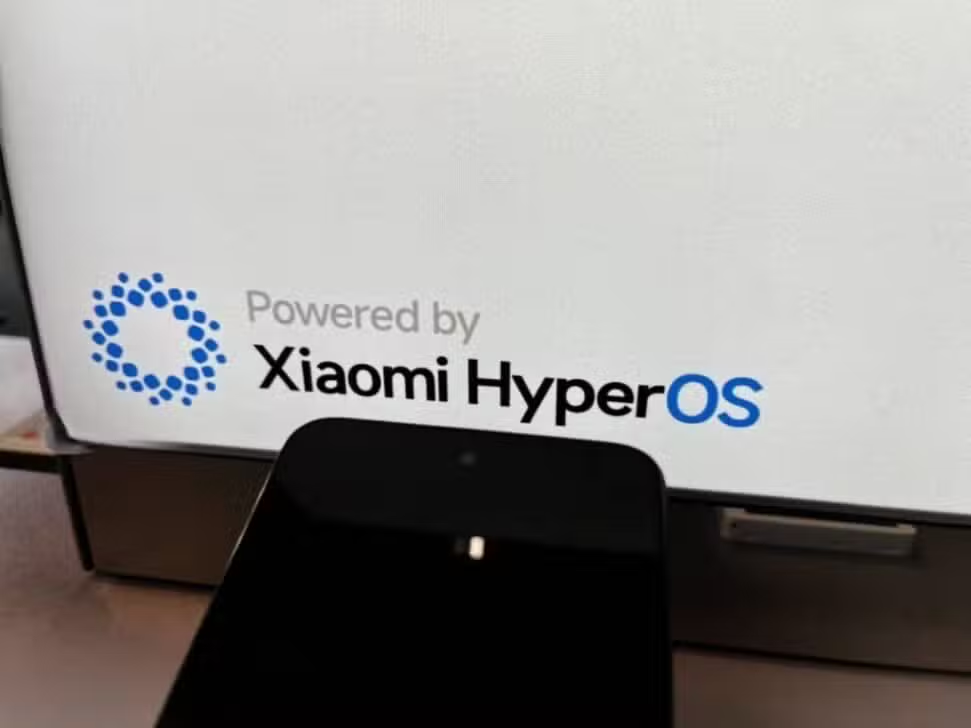
Chinese giant Xiaomi has started releasing a new version for the POCO Launcher within the HyperOS 3.1 ecosystem. First released by the XimiTime portal, compilation number RELEASE-6.01.05.2407-06081949 is now available for Xiaomi, REDMI and POCO brand devices. This initiative reinforces the tactic of improving usability through autonomous software packages, which eliminates the need to wait for major updates via OTA for the entire operating system.
The new software package is focused only on optimizations that do not change the appearance, without introducing visual modifications. Although the official description is limited to “stability improvements”, the launcher app’s revision history suggests significant resolutions in the user interface. The essential goal is to ensure homogeneous performance across a diverse range of equipment.
This firmware release aims to fix fundamental issues in the user experience. The improvements applied aim to reduce abrupt interface closures and smooth out switching between different applications. Additionally, the suite of optimizations refines background RAM management and adjusts sensitivity to gesture commands, removing minor visual interruptions during everyday use.
Preliminary information from those who have already used the update confirms the absence of new visual features or changes to the design of the application drawer. Both the layout of the main screen, the functioning of the boot animations and the design of the search bar remain exactly the same as in the previous version. This choice underlines that Xiaomi’s software engineering team is currently dedicating itself to the robustness of the HyperOS 3.1 environment, prioritizing stability above aesthetic novelties.
Releasing discreet updates for crucial user interface elements has become a common procedure at Xiaomi. This approach allows the company to resolve complex compatibility issues with specific processors more efficiently. Ongoing ecosystem management aims to protect devices from performance failures and prepare the fundamental software structure for upcoming versions of HyperOS, such as 3.2 and 4.
To install the new version of POCO Launcher, users have the option of carrying out the process manually using platforms specialized in system files, such as the MemeOSUpdates portal. Another alternative is to use the MemeOS Enhancer app, easily found for download on the Google Play Store. This application serves as a centralizer to check system software updates, in addition to showing the status of OTA packages and confirming the current version of HyperOS present on the device.
