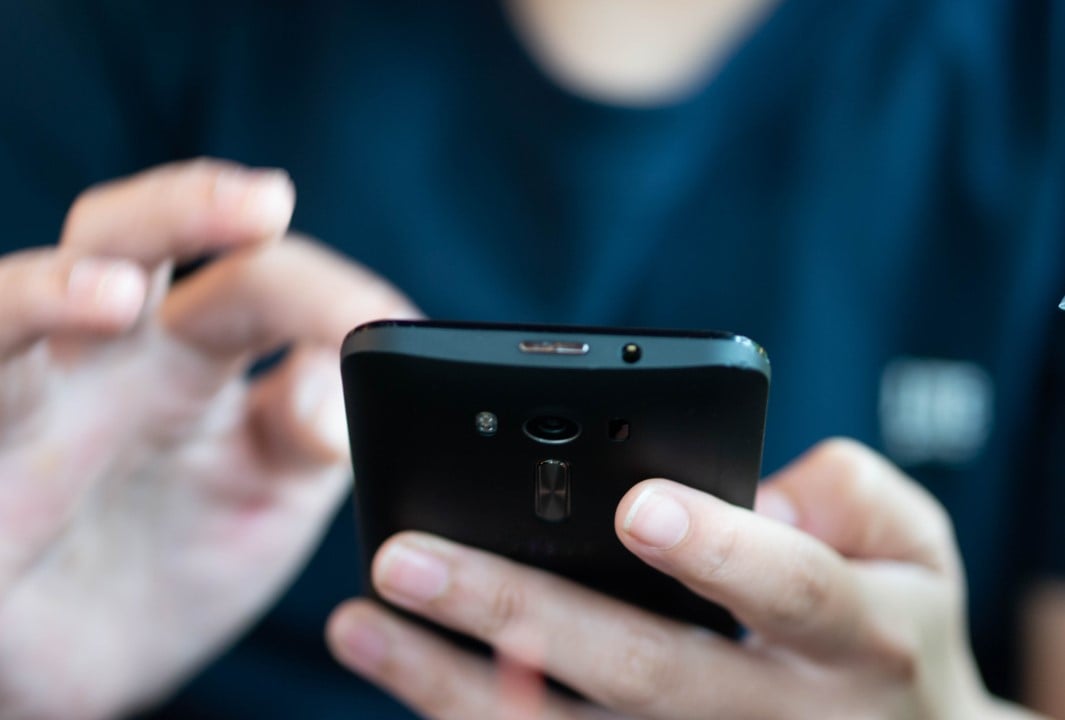
Many of us keep old smartphones forgotten in some drawer. However, before considering recycling or disposal options, it is possible to give these devices a new life by transforming them into multifunctional devices such as security cameras, alarm clocks or media players.
Current cell phones work like true pocket supercomputers, performing tasks ranging from checking the weather forecast and browsing the internet to playing games, streaming content and recording images. Mesmo com a constante chegada de modelos mais avançados ao mercado, o que fazer com o dispositivo anterior após uma atualização?
Instead of exchanging or selling the device, many people end up with an old smartphone sitting idle. Instead of discarding the device or letting it accumulate dust, reuse is a smart alternative; it just needs to maintain a Wi-Fi connection to become a valuable tool in everyday life at home. The reuse of electronics, in addition to being economical, contributes significantly to the reduction of electronic waste, a growing environmental problem.
Turn your cell phone into a home security camera
Any disused phone can be converted into a surveillance system for your home. Specific applications, such as AlfredCamera, can be installed on both the old and new devices, allowing you to monitor the environment. Fixe o dispositivo em um local estratégico com acesso à energia, usando um suporte simples, e acompanhe as imagens diretamente do seu telefone principal, economizando na compra de equipamentos de segurança dedicados.
Provide a safe entertainment platform for children
For parents who have not yet considered buying an individual cell phone for their children, an old smartphone becomes an excellent option. Without the need for a mobile data connection, just with Wi-Fi, children can take photos, explore the internet, download apps, make Wi-Fi calls and have fun with games, all under supervision and with the recommendation to use a cover and screen protector for greater durability. This frees up the parents’ main phone for other tasks and prevents it from being monopolized by little ones.
Create a unique, portable gaming console
Transforming an obsolete smartphone into a device dedicated exclusively to games is a practical alternative. With a Wi-Fi connection, you can access a vast library of titles for iPhone, Android and Apple Arcade, without worrying about overloading the storage on your main device. Additionally, game streaming platforms such as Xbox Cloud Gaming, Amazon Luna, Steam Link (for PC) and Remote Play (for PS5 and Xbox Series X/S) expand the possibilities, allowing you to play console and computer titles directly on your cell phone.

Use a dedicated device for video calls and virtual meetings
For those who make a lot of video calls on platforms like Zoom or FaceTime, their old smartphone can become an exclusive hub for these interactions. With good Wi-Fi coverage, the device ensures that kids have their own way to chat with friends, and you can participate in virtual events without compromising the use of your main phone, which remains free to receive calls and other important notifications.
Convert it into a high-quality webcam for your computer
If your desktop computer doesn’t have a camera or your notebook’s webcam is having problems, your old smartphone can be an efficient solution. Free software, such as DroidCam, Iriun Webcam and Camo, allows you to transform your cell phone into a computer webcam. Simply install the app on both your phone and machine and sync them, taking advantage of the generally superior image quality of your smartphone camera.
Set a smart alarm clock to improve your sleep
Keeping your main phone next to your bed may be convenient for checking the time, but it also makes it easier to access apps, compromising your sleep quality. An alternative is to transform your old smartphone’s display into a digital alarm clock, improving sleep hygiene. Simply set the alarm in the device’s clock app or download an app via Wi-Fi. Place it on a stand, connected to power, and keep your main cell phone away, minimizing nighttime distractions. iPhone users with an always-on display can take advantage of StandBy mode for a stylish and functional bedside clock.
Use as a backup remote control for streaming devices
Remote controls for streaming devices like Apple TV, Chromecast, Fire TV Stick, or Roku are small and easy to lose. Instead of purchasing a new one, your old smartphone could be the ideal replacement. Many of these devices allow the use of mobile applications as controls. Download the corresponding app on your unused phone, link your account and have functional control again. This functionality is also particularly useful for live TV streaming services like YouTube TV.