IPhone gains ten hidden features that transform users’ routines in iOS 26
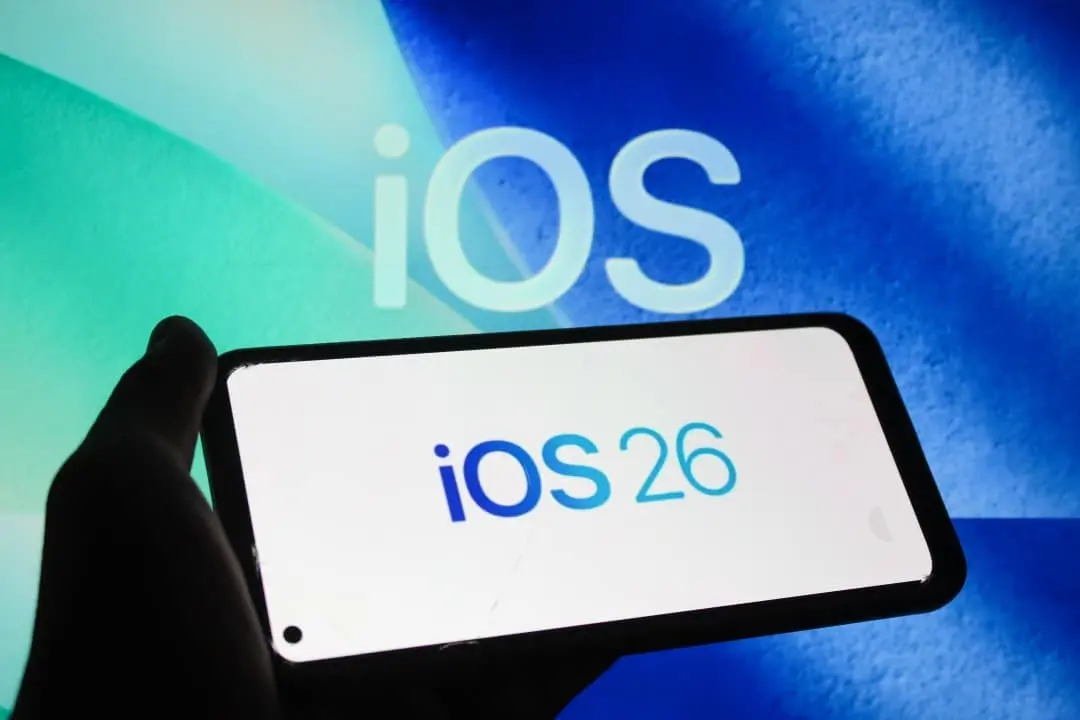
iOS 26 arrived in September with more than 200 new features, but many users are still unaware of practical features that were left out of Apple’s main presentations. Esses adjustments solve long-standing operating system problems and save time in the daily lives of iPhone users. The system maintains a similar appearance, but delivers significant gains for those who explore beyond the basic functions.
Seleção partial messaging simplifies sharing
Copiar only part of a long text in the Mensagens app required copying everything and manually editing later. The process was especially annoying when dealing with links, codes or addresses that needed to be shared in isolation. In iOS 26, simply press the message, tap Selecionar and highlight the exact snippet you want. The tool works directly within the app without the need for additional steps.

The resource mainly serves those who frequently share partial information in work conversations or family groups. Ele reduces manual steps and avoids editing errors that occurred in the previous process. Usuários testers noticed an immediate difference in daily productivity.
More on this story: Registrations for the 2026 Apple event indicate the launch of a foldable and iPhone 18 Pro
Lembretes organize recipes and lists automatically
Listas purchases and recipes required complete manual entry into the Lembretes app. The update brought smart suggestions that interpret shared content and automatically separate ingredients from instructions. The system still refines details, but it already significantly speeds up the organization of daily tasks.
- Pressione and hold message containing recipe or list.
- Toque to Compartilhar to Lembretes in sequence.
- Confirme suggested automatic item picking.
- Edite manually if necessary for final adjustments.
Usuários who send links to cooking websites see the app structure the information without manual intervention. Isso turns the Lembretes into a genuine helper for everyday tasks, especially for those who cook frequently.
Aplicativos custom default for each file type
Definir default apps for document types was a long-standing iOS limitation that frustrated many users. In iOS 26, this option exists within the Arquivos app, allowing you to choose which program opens PDFs, images or other formats by default. The configuration adapts the system to each user’s personal preferences.
Quem uses third-party apps to edit notes to gain immediate speed when accessing documents. The feature integrates well with mixed workflows that combine different applications. The change offers flexibility that was missing in previous versions.
Learn more: Apple presents iPhone 18 Pro with semi-transparent design and front camera under the screen
Custom Toques created without computer
Antes from iOS 26, creating custom ringtones required GarageBand or computer access. Agora, any compatible audio of less than 30 seconds becomes a direct ringtone through the system. Basta share the file and choose custom ringtone option.
The process opens up new customization possibilities without installing extra applications. Usuários tests their own sounds or excerpts from favorite songs. The tool maintains simplicity and integrates naturally into the iPhone customization flow.
Automatic Rascunhos preserve unsent messages
Textos typed and abandoned midway disappeared completely in previous versions. The Mensagens app now automatically saves drafts, allowing the user to resume the conversation whenever they want. The detail helps in responses that require calm and reflection before sending.
See Also

Where to watch Independiente Rivadavia x Fluminense for CONMEBOL Libertadores

P. Christiansen scores the third goal of the match for Viking against Dinamo

Xuxa reveals behind-the-scenes faux pas with costumes in show and details personal error in editing
Ele prevents loss of important content and maintains an organized conversation history. Muitos users consider the adjustment to be one of the most useful for everyday life, especially in professional conversations that require careful writing.
Câmera panoramic with less blur and greater stability
Capturas pans required precise, controlled movements to avoid blurring. iOS 26 has tweaked the processing of panoramic images significantly. Fotos are less blurry even with faster camera movement speed during capture.
On the same topic: December marks the arrival of iOS 26.2 with 15 innovations that improve iPhones
The mode remains intuitive and accessible for all users. Resultados show more stability in varying lighting conditions. Fotógrafos amateurs gain flexibility without having to change equipment or learn complex techniques.
Busca in videos locates specific scenes accurately
Encontrar specific moment in long video was tiring and time consuming. The Fotos app now highlights relevant snippets when searching for specific terms. The user sees the scene linked to the search term without having to manually navigate through the entire video.
The tool saves time in galleries full of content. Ela uses in-house analytics for accurate and relevant results. Quem records meetings or family moments and gets more out of the feature.
Alerta dirty lens before shooting
Manchas on the lens only appeared after the photo was captured, frustrating users. iOS 26 automatically detects dirt on the lens before registration. The system warns you to clean before capturing the image, avoiding ruined photos.
More on this story: Claude Opus 4.8 arrives with fast Anthropic updates on complex tasks; Find out what they are
The feature seems simple, but it prevents a lot of unnecessarily bad photos. Ele operates in real time and integrates perfectly with the Câmera app. Usuários notice a significant difference under varying conditions of use.
Home Tela adapts to MagSafe case color
Personalização has moved forward with MagSafe accessory integration. On supported models, the iPhone automatically identifies the color of the case. The system suggests harmonious combinations for home screen icons based on the detected color.
The feature depends on official Apple accessories to function properly. Ele creates automatic visual harmony without extra effort from the user. Opções customization options increase naturally as the user changes cases.