

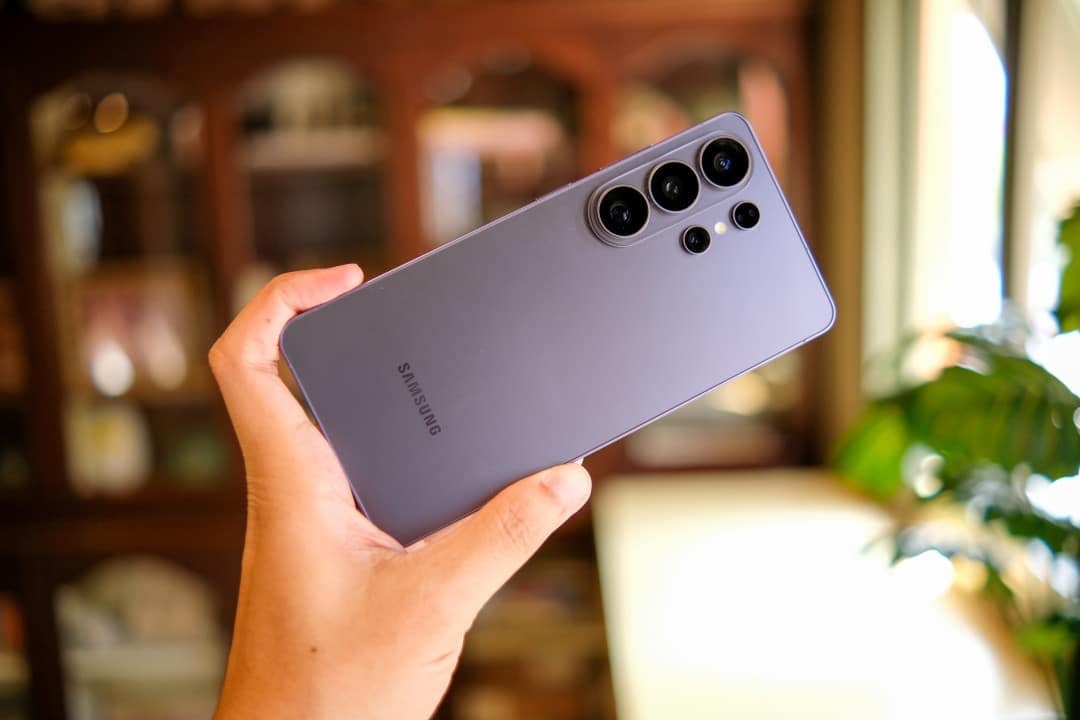
The user interface of the South Korean manufacturer’s smartphones has just received a modification focused on daily usability. The update to One UI 8.5 introduces a new feature to the native Samsung Clock application, changing the way the system manages morning alarms. Brand device owners now see an accurate countdown, displayed in seconds, immediately after hitting the snooze button. The change replaces the old static notification with a dynamic marker.
The integrated timer runs in real time on the device’s screen. The consumer tracks the exact interval until the next alarm clock rings without the need to calculate the minutes mentally or open the main interface of the application. The novelty eliminates the uncertainty common in moments of awakening. Especialistas in technology point out that small optimizations in the operating system interface generate significant impacts on long-term user retention.
Expansão of the features in Barra Agora
The change to the alarm system extends beyond the standard operating system notification. The functionality was integrated directly into Barra Agora, the floating visual element present on the lock screen of the brand’s latest devices. Anteriormente, this space only displayed live updates regarding ongoing timers and stopwatches. The inclusion of the alarm clock in standby mode transforms the interactive pill into a more complete and accessible time management center.
Quick access via the locked screen makes it easier for the user to interact with the device in the early hours of the day. A simple touch on the Barra Agora expands the options menu, allowing you to definitively cancel the alarm or set a new snooze period. The smartphone owner performs all these actions without having to enter passwords, use biometrics or navigate through the system’s home screens. The company’s strategy focuses on reducing friction in the most frequent routine interactions.
Modificações structures in alarm clock behavior
The company’s software development team structured the new role to maintain user familiarity with the ecosystem. The base behavior of the application remains unchanged, receiving only the visual time counting layer. The clean and minimalist design guidelines, characteristic of recent versions of the brand’s software, were rigorously preserved in the implementation of the feature.
- The snooze panel displays the seconds decreasing in real time on the screen.
- Synchronization occurs simultaneously with the device’s lock screen widget.
- The maximum number of snooze function triggers remains the same as in previous versions.
- The graphical interface adapts the notification colors according to the general system theme.
- Energy consumption due to constant animation was optimized by the brand’s developers.
Technical refinement provides greater control over personal time management first thing in the morning. Indivíduos who are used to postponing waking up multiple times find the countdown a clear visual indication of the limit of their morning schedule. Transparency in data display prevents accidental delays caused by confusion with pre-programmed intervals in the application.
Additional Otimizações in the Samsung Clock interface
The version 8.5 update package includes minor adjustments to the clock manager. Relatos users indicate the implementation of adaptive wallpapers, which modify the application’s color palette according to the local time or the wallpaper chosen by the owner. The visualization of the global time zone map also received readability improvements, making it easier to consult by professionals who work with international teams and require geographic precision.
The main focus of the software continues to be on tools for intensive daily use. The stopwatch and timer have smoother screen transitions when navigating between the lower tabs. The manufacturer maintains a continuous development cycle for its native applications, seeking to match the functionalities offered to the standards established by independent developers in mobile application stores.
Distribuição of software and compatible devices in 2026
The distribution process for the new interface officially began in May 2026. The manufacturer adopts a batch release strategy, initially prioritizing smartphones in the premium segment before expanding the code to intermediate lines. Dispositivos with high sales volume, such as the Galaxy A55 model, are already on the list of devices that received the data package containing the updated version of the clock application.
Feature availability varies by geographic region and local telephone operators. Consumers can check the presence of the installation file by navigating to the system settings menu and accessing the tab dedicated to software updates. The download requires a stable internet connection and a battery with enough charge to complete the operating system rewrite procedure without interruptions.
The constant evolution of native applications demonstrates the company’s effort to retain its customer base through incremental improvements. The addition of the visual timer in snooze mode represents a direct response to modern consumer behavior patterns. Ferramentas that simplify basic routines are gaining prominence in a mobile device market that is increasingly standardized in terms of hardware specifications.