

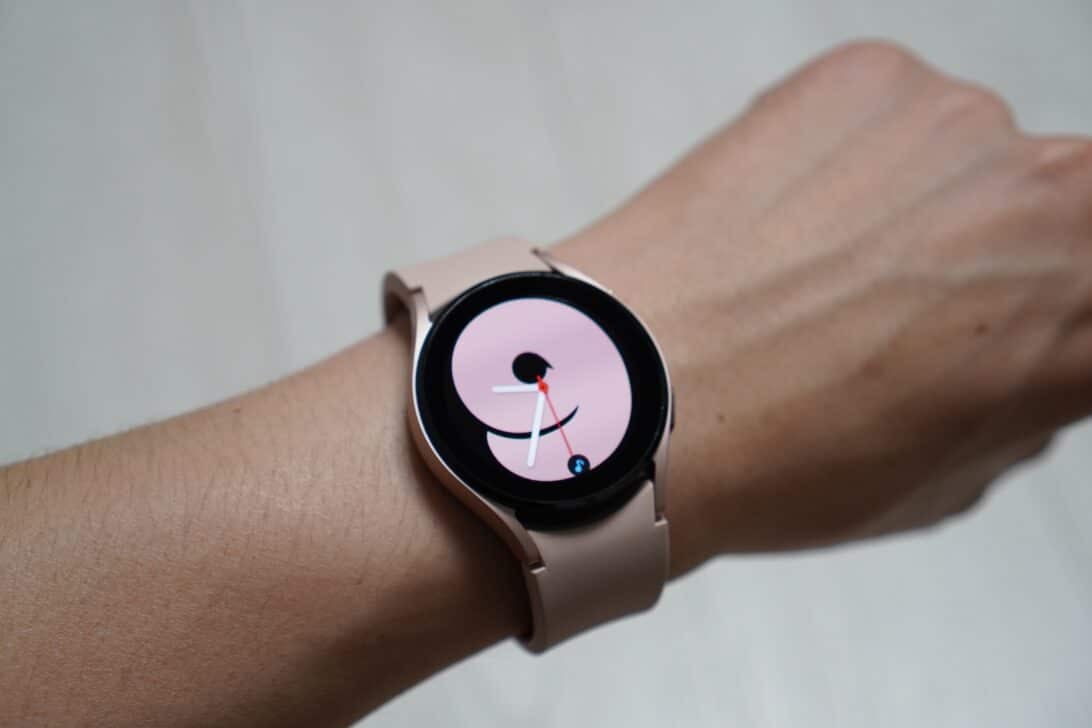
A flaw in Google Play Services is causing accelerated battery drain on several models of Samsung smart watches. Users report abnormal consumption of the service, which accounts for more than 30% of the load in moderate cases and exceeds 90% in extreme situations.
The problem mainly affects devices with Wear OS, including the Galaxy Watch 8, Watch 7, Watch 6 and even the Watch 5 Pro lines. Screenshots shared on forums show Google Play Services as the main villain of energy consumption, reversing the normal behavior of the app, which usually operates discreetly.
Google Play Services acts as an essential intermediary between the applications installed on the watch and the company’s servers. It manages syncs, updates, and location services in the background. When the process freezes, consumption skyrockets and the device’s autonomy drops drastically, often preventing use for an entire day.
Reports indicate that the error has intensified after recent updates to the One UI Watch system. In communities like Reddit and official Samsung forums, watch owners mention batteries that don’t last more than 12 to 18 hours, versus what is expected to be a day or more with moderate use. An extreme case exhibited 99.97% usage attributed to the service since the last top-up.
What causes the problem
Experts on forums point out possible triggers such as stuck synchronizations, constant location requests from apps such as weather or health, or failures in system modules. The service is “trapped” in communication loops, which explains the high expense even when the clock is at rest.
There is still no official position from Google on the exact origin of the bug. Android Authority and other outlets sought a response from the company, which has so far not confirmed whether it is investigating the case.
Impact for users
For those who use the Galaxy Watch for health monitoring, exercise or notifications, rapid drainage compromises the daily experience. The watch may need to be recharged more frequently, limiting the practicality that justifies investing in the device. Older models like the Watch 5 Pro also show signs of the problem, albeit on a smaller scale.
Community-tested workarounds
Many users get temporary relief by resetting their watch, clearing their cache, or resetting Google Play Services itself. However, the problem tends to reappear. There is no definitive fix released by Samsung or Google so far.
The situation reinforces the dependence of Wear OS watches on Google components, even with Samsung’s customizations over the old Tizen interface.