How to connect the GameCube to current TVs and play your classics again
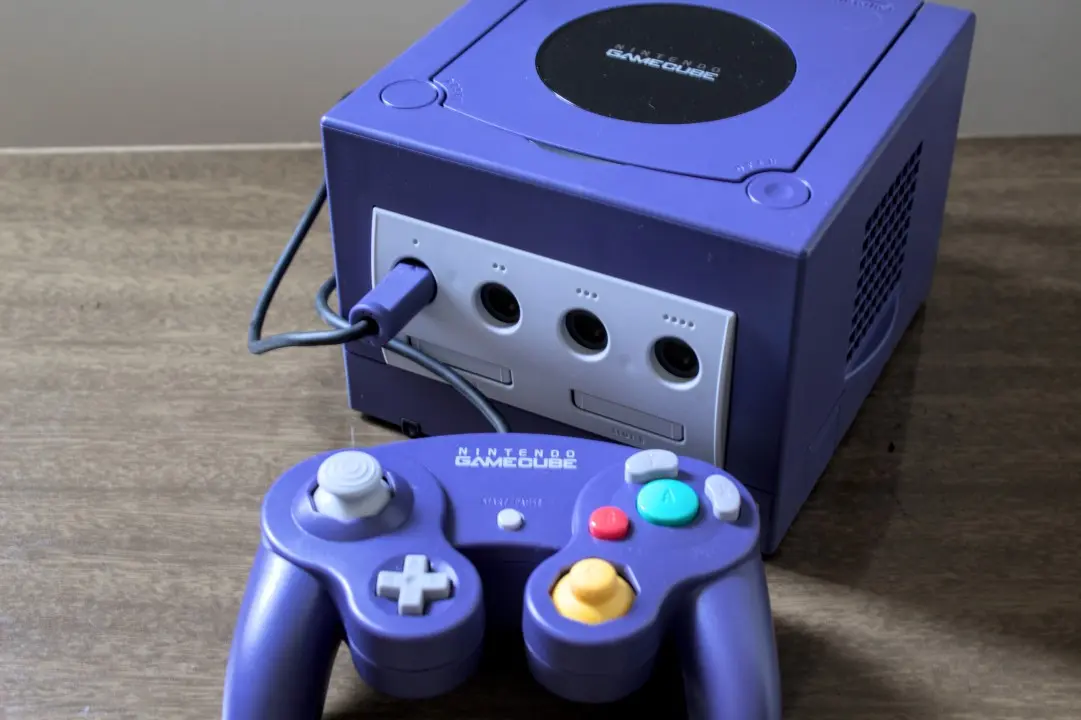
The GameCube, Nintendo’s sixth generation console, maintains its relevance for many players even years after its launch. With the device’s 25th anniversary quickly approaching, interest is growing in revisiting acclaimed titles such as *The Legend of Zelda: The Wind Waker* and *Metroid Prime*, as well as versions of games such as *Resident Evil 4*, which were prominent on the platform.
However, a common challenge arises when trying to connect the console, originally designed for analog tube televisions, to modern LCD and OLED models, which rarely have the necessary Aug 8, 2026 inputs.
Fortunately, current technology allows the GameCube to be adapted to work on newer televisions with relative ease. This guide details options for overcoming this barrier.
On the same topic: Reggie Fils-Aime reveals that NES and SNES Classic were a strategy to save Nintendo
Identifying the GameCube model to connect
Initially, it’s crucial to understand that not all GameCubes are identical. Nintendo carried out a hardware overhaul between the console’s Japanese launch on September 14, 2001 and its discontinuation in early 2007, seeking to reduce production costs. Unfortunately, newer models make the process of connecting to a modern TV a little more complex.
The ideal model for a simplified connection is the DOL-001. For those who have the DOL-101 variant, the situation is a little more complicated, as this version does not have a digital AV output port. In NTSC regions, this port was originally intended to transmit a 480p signal through separately sold component video cables. In 2026, companies developed adapters that use this same port to allow video transmission via HDMI to contemporary TVs.
How to Check Which Version of GameCube You Have
Confirming that you have a GameCube model DOL-001 is simple. Just check the back of the console: if there are two audio and video ports, and one of them is labeled “Digital AV Out,” you have the most compatible model. Another way to check is to check the label on the bottom of the console; if it says “DOL-001”, you have the correct version.
Connecting the GameCube DOL-001 to High Definition Televisions
With the DOL-001 model in hand, playing your favorite games on an LCD or OLED TV becomes a process of purchasing an adapter and connecting the devices via HDMI. Although the market offers several low-cost HDMI adapters, investing in a higher quality product, such as the Retro-Bit Prism HD Adapter, is recommended. Retro-Bit is known for its excellent products, and its GameCube adapter is no exception. Many HDMI adapters for GameCube use open source software called GC Video, and the Retro-Bit includes a USB-C port to make it easy to update this software without having to disassemble the device.
More on this story: GameStop classifies PS3, Xbox 360 and Wii U consoles as retro and launches special trade-in bonus
See Also


Other reliable options include Insurrection Industries’ Carby or, for a more affordable alternative, Bitfunx’s offering. It’s important to note that some adapters may require you to purchase an HDMI cable separately if you don’t have one available.
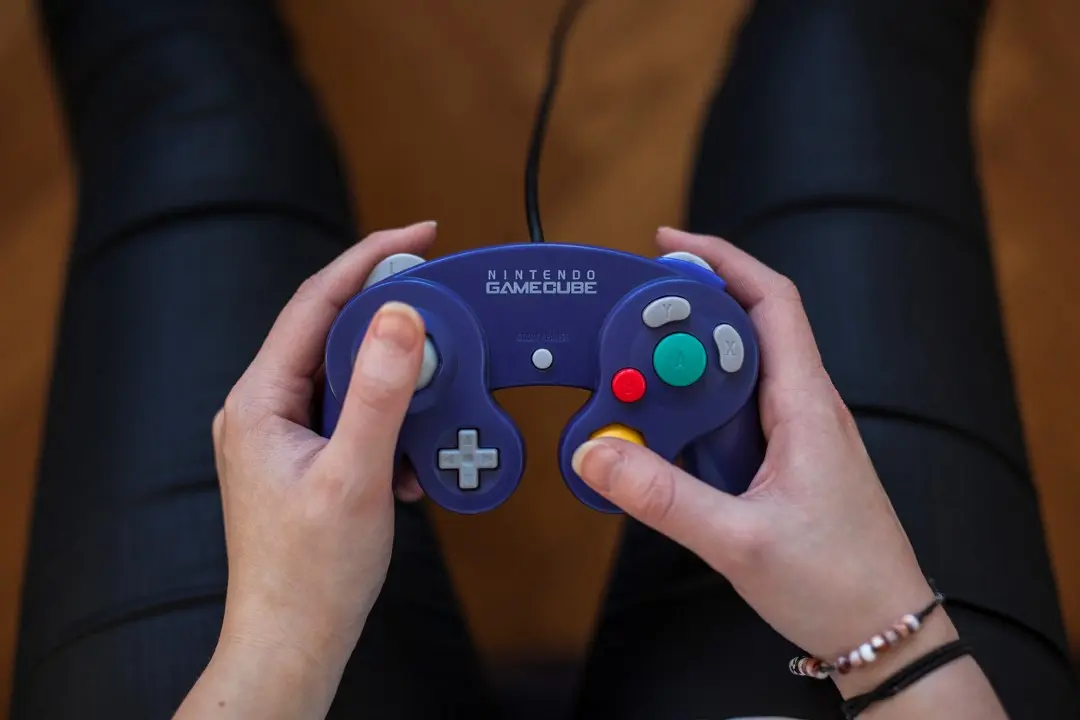
After purchasing the adapter, the procedure is straightforward: connect it to your GameCube’s digital AV output port and then use an HDMI cable to connect the adapter to your TV. Recommended adapters usually come with a remote control that allows you to access the GC Video on-screen menu to adjust settings such as output resolution. For the best image quality, make sure the game supports 480p output, and when starting the game, press and hold the B button on your controller. A dialog box will ask “Enable progressive scan display?” Selecting “Yes” will enable progressive scan, providing the best visual quality for the old console. Some games also offer native widescreen support, which can be enabled in the game’s settings menu.
Alternatives to the GameCube DOL-101 model
If your GameCube doesn’t have a digital AV output, the best solution is a device like the RetroTINK-2X Mini, which converts the console’s analog signal to digital. You can use the original GameCube composite cables, connect them to the RetroTINK-2X Mini, and then use an HDMI cable from the RetroTINK-2X Mini to your TV. RetroTINK also offers GameCube signal upscaling devices, however, these tend to be more expensive and are best suited for collectors with multiple retro consoles.
Emulation Options: Playing GameCube on Nintendo Switch Online
For those looking for a simpler alternative, emulation offers an excellent way to enjoy classic GameCube games on a modern TV. If you own a Nintendo Switch 2, Nintendo makes a selection of emulated GameCube games available through the Nintendo Switch Online service. To access this library, you must subscribe to the Expansion Pack, which costs US$50 per year.
Learn more: GameStop classifies PS3, Xbox 360 and Wii U as retro consoles with unusual criteria
Despite having a more limited game selection, the Switch 2 is a great platform for trying out some of the GameCube’s best titles. Games are displayed in 900p, which guarantees a clearer image on current televisions. Additionally, titles with multiplayer mode, such as *F-Zero GX*, offer online play for up to four players and support for control remapping.
As of August 2026, nine GameCube games are accessible on Nintendo Switch Online, with two more on the way. The full list includes:
- The Legend of Zelda: Dawn of the Wind
- Soulcalibur II
- F-Zero GX
- Super Mario Strikers
- Chibi-Robo! Connect to the adventure!
- Luigi’s Mansion
- Wario’s World
- Fire Emblem: Path of Radiance
- Pokémon XD: Dark Gale
- Super Mario Sunshine (August 13, 2026)
- Pokémon Colosseum (to be announced in 2026)
Another possibility for those who already have a collection of old GameCube games is to emulate the library by connecting a PC or laptop to a TV. The Dolphin emulator, which has been around for over two decades, is free, extremely stable, and offers additional features that enhance the experience, such as resolution adjustment and custom saving. You don’t need a powerful computer to run Dolphin; Most Windows or Mac PCs made in the last decade can run the games, although advanced graphics options may require a little more processing power.