Microsoft releases urgent Windows update and fixes hundreds of actively exploited flaws

Windows operating system users should install new security updates as soon as possible. Microsoft has released a robust patch package that addresses nearly 400 vulnerabilities, including several that are already being actively exploited by cybercriminals. The measure is crucial to protect data and prevent intrusions into personal and corporate computers.
Microsoft releases fixes for almost 400 vulnerabilities in the operating system
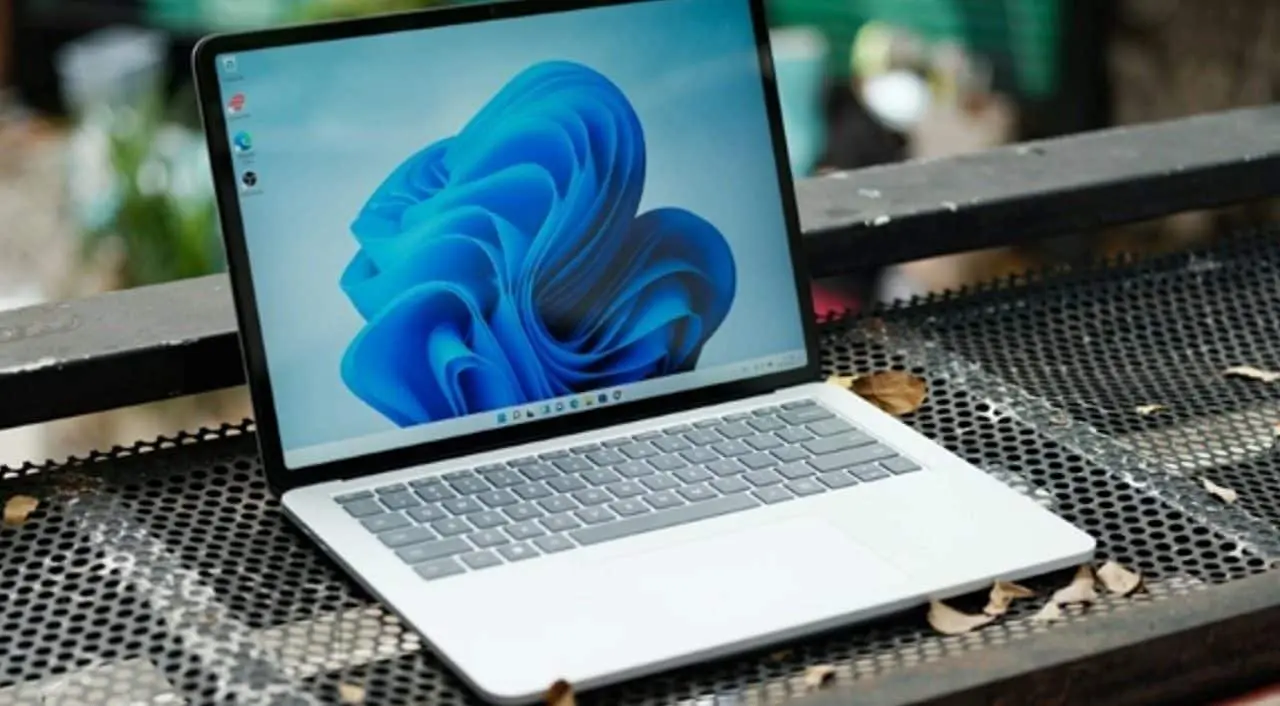
Microsoft’s monthly security update, known as “Patch Tuesday”, brought a wide list of fixes for the company’s products. Among the vulnerabilities fixed are flaws classified as critical, which could allow remote code execution or elevation of privileges within the system. The large number of problems addressed reflects the company’s constant vigilance to protect its users.
More on this story: Microsoft Amplifies Windows Updates Against AI-Driven Vulnerability Threats
This volume of fixes demonstrates the complexity of today’s digital environment and the need for constant maintenance to prevent attacks. The vulnerabilities impact everything from Windows itself to software such as Microsoft Office, browsers and other corporate tools. Keeping all systems up to date is the first line of defense against evolving digital threats.
Actively exploited flaws require immediate attention from users
The biggest concern with this update package lies in the flaws that have already been identified as being actively exploited by hackers. This means that criminals have already developed and are using methods to take advantage of these loopholes. Outdated systems are immediately exposed to targeted attacks, which can result in data loss, information hijacking (ransomware) or complete control of the computer.
Among the exploited flaws, some allow attackers to execute malicious code without user interaction, just by accessing a compromised website or opening an infected file. Others may give criminals access to sensitive information or the ability to install unwanted programs. Identifying active exploits increases the level of urgency for applying fixes.
See Also

Fatal accident on BR-163: car going the wrong way causes explosion with 4 dead

Guto Miguel faces tennis player from the top 80 in the debut of the Jamaican Challenger

Research shows how a lack of fiber leads intestinal bacteria to attack the body
How to perform Windows update to protect your computer
Keeping Windows up to date is a simple and essential process for digital security. The procedure is usually automatic, but can be checked and accelerated manually. Microsoft recommends that users not delay updates, especially when critical vulnerabilities are at play.
Follow the steps below to ensure your system is protected:
Learn more: Microsoft releases large update package with almost 400 security fixes for its systems
- Access settings:Click the Start menu, then “Settings” (the gear icon).
- Go to “Windows Update”:In the left pane of the Settings window, select “Windows Update”.
- Check for updates:Click the “Check for updates” button. The system will search and list the available packages.
- Install updates:Click “Download and install” or “Install now” if the updates have already been downloaded.
- Restart your computer:Follow the instructions to restart your system, which is necessary for the fixes to be fully applied.
- Check again:After rebooting, return to “Windows Update” to confirm that there are no more updates pending.
Importance of keeping all software and operating systems up to date
Cybersecurity is not just limited to the operating system. For comprehensive protection, it is essential that all software installed on the computer, including internet browsers, antivirus programs, text editors and communication applications, also always have the latest versions. Developers frequently release updates that fix discovered security flaws.
Furthermore, mobile devices, such as smartphones and tablets, also require constant attention to updates to their operating systems and applications. Regularly checking for and installing updates is one of the most effective defenses against the growing number of digital threats that aim to steal data, spy on users or cause financial losses. Prevention is always the best strategy in the online environment.