

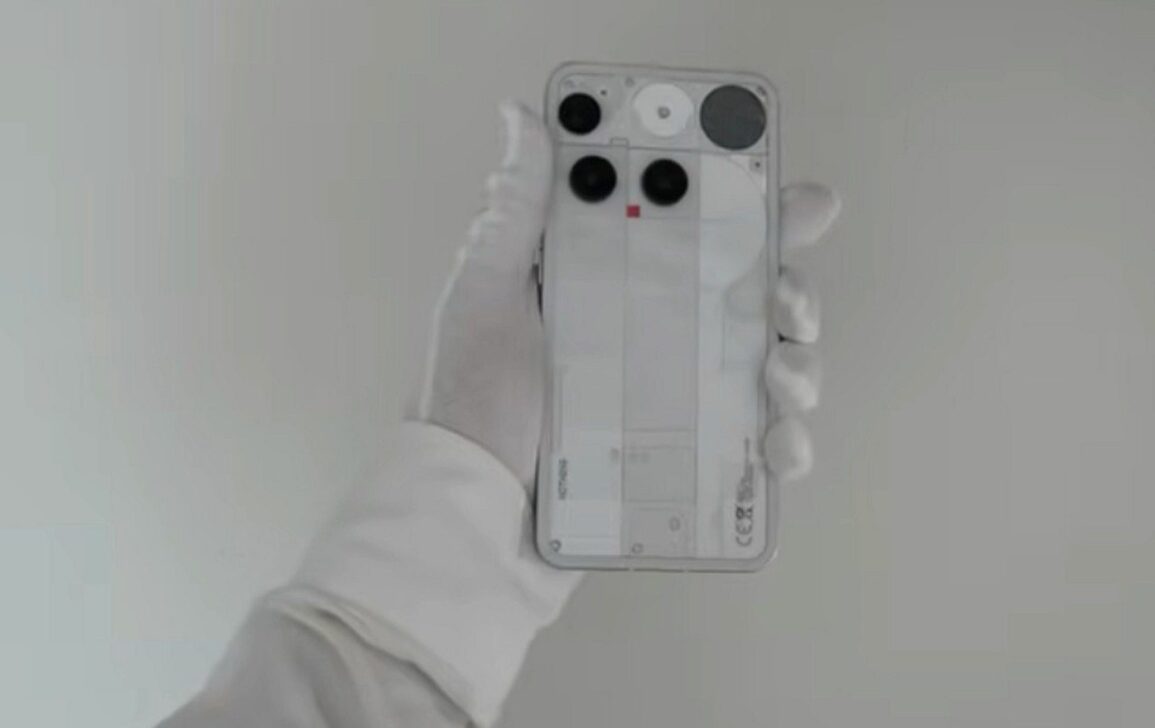
Nothing has started rolling out an update that brings Essential Voice to Phone (3), Phone (4a) Pro and Phone (4a) smartphones. The feature uses artificial intelligence to convert speech into clean, structured text, automatically eliminating filler expressions like “um” and “ah.” The tool works integrated into the operating system and is available in third-party applications via the keyboard or Essential Key.
Phone (3) already receives the feature with the build Metroid-B4.1-260408-1909-IND. Phone (4a) Pro is expected to gain support in April, while Phone (4a) is due at the beginning of May. The implementation marks a breakthrough in the way users interact with their mobile devices, making voice a viable alternative to typing on small screens.

Como works Essential Voice
Essential Voice is part of Essential Space, an artificial intelligence toolset developed by Nothing. The system transcribes speech in real time and applies automatic corrections to deliver text ready for sending, without the need for subsequent editing. Diferente from standard converters, the feature filters out unnecessary words and improves the overall clarity of the content.
Processing takes place in the cloud using the Google Gemini 3 Flash model, but the text is returned directly to the device without external storage. Nothing reinforces that audio recordings are not stored on its servers, reducing privacy concerns. The feature requires an active internet connection and microphone access permission to work.
Principais features and benefits
- Suporte supports over 100 languages with automatic detection and regional variants
- Tradução direct speech to another language without extra steps
- Custom Voice Atalhos for Frequent Phrases, Links, or Templates
- Automatic Formatação that organizes text into structured lists or notes
- Integração complete on the system, including external application keyboards
Essential Voice offers automatic correction that avoids confusing text and removes unnecessary repetitions. The result is usually more professional and direct, reducing the time spent typing on small screens. The feature works in messages, emails, searches and various applications, only activating when the user activates it manually.
Diferenças versus standard conversion
Common Ferramentas like Gboard transcribe speech literally, including pauses, repetitions and everyday expressions. Essential Voice works differently, refining the content so that the result sounds like professional written text. In initial tests, the resource delivered cleaner sentences with less need for subsequent editing.
The system also adapts the text to the application context. In work emails, prioritize a clear and formal structure. In quick notes, formatting helps you organize ideas logically. In casual conversations with friends or family, it may be necessary to make manual adjustments, an aspect that Nothing indicates can improve with future updates.
Como activate and use the feature
Para access the Essential Voice, the user needs to update the smartphone through the system settings. Após download the update and restart the device, the feature becomes available. You can start dictation in two ways: by pressing and holding the Essential Key or by touching the small icon in the lower left corner of the keyboard.
Basta speak clearly and stop recording. The text appears already processed in the typing field, ready for sending or editing. The feature does not listen in the background and only activates when the user activates it manually. Accuracy is high when speech is clear and articulate, with few corrections needed in most cases.
Limitações and future prospects
Essential Voice requires an active internet connection for processing and will not work without connectivity. Support is currently limited to the latest Nothing models, with no confirmation of expansion to older devices. Usuários of Phone (3), Phone (4a) Pro and Phone (4a) must check for system updates to receive the resource as per their regional availability.
The update also includes other improvements to the Nothing OS, such as adjustments to the Glyph interface and general fixes. Essential Voice represents a significant step towards voice-based interactions that deliver quality text without extra typing effort, consolidating Nothing’s commitment to voice productivity tools.