Kindle getting hot? Know how to differentiate between normal use and defect

Feeling the Kindle heat up while reading can cause concern among users. Understanding whether this behavior is a normal characteristic of the device or a sign of failure is essential to ensure the longevity of the device.
In many situations, a gentle warm-up is part of standard Kindle operation and does not indicate a hazard. However, there are times when an increase in temperature may indicate a defect and require the owner’s attention.
Danielle Casotti, Head of Amazon Devices in Brazil, emphasized the importance of distinguishing common heating from anomalous behavior to preserve the useful life of the equipment.
When is Kindle heating considered normal?
According to Danielle Casotti, certain activities demand more from the Kindle’s processor, which can cause it to become slightly warm to the touch.
On the same topic: Speed Reading: How Amazon Short Stories Improves Reading on Kindle
“It is normal for the Kindle to feel slightly warm during certain activities, such as downloading or synchronizing large volumes of content, charging the battery, or during prolonged reading sessions with the front light brightness at a high level.”
The executive explained that these operations are part of the daily use of the device and should not be a cause for alarm. The heat tends to decrease as soon as the task is completed or the processing load reduces.
Therefore, if the Kindle is a little warm while charging or while new books are downloading, this operation is considered within the manufacturer’s expectations.
Signs that overheating indicates a problem
Although heat is expected in some situations, excessively high temperatures deserve attention.
Danielle Casotti mentioned that Kindle devices are designed to operate normally at temperatures ranging from 0°C to 35°C. If the device is very hot to the touch and malfunctions, it is advisable to stop using it immediately.
“If the device is excessively hot to the touch or exhibits behaviors such as freezing, unexpected shutdowns, or abnormal battery drain, these may be signs that the device is in an abnormal temperature condition.”
More on this story: Amazon suspends access to the virtual store on 12 classic Kindle models from 2026
In these scenarios, Amazon’s guidance is to contact Customer Service to check for possible problems with the equipment.
See Also

China’s Shenzhou-23 mission reveals views of Earth from Tiangong station

Manchester City receives third offer from Barcelona for Rodri worth between €60 million and €80 million

Former boxer Prichard Colón dies aged 33 after long battle with brain injury
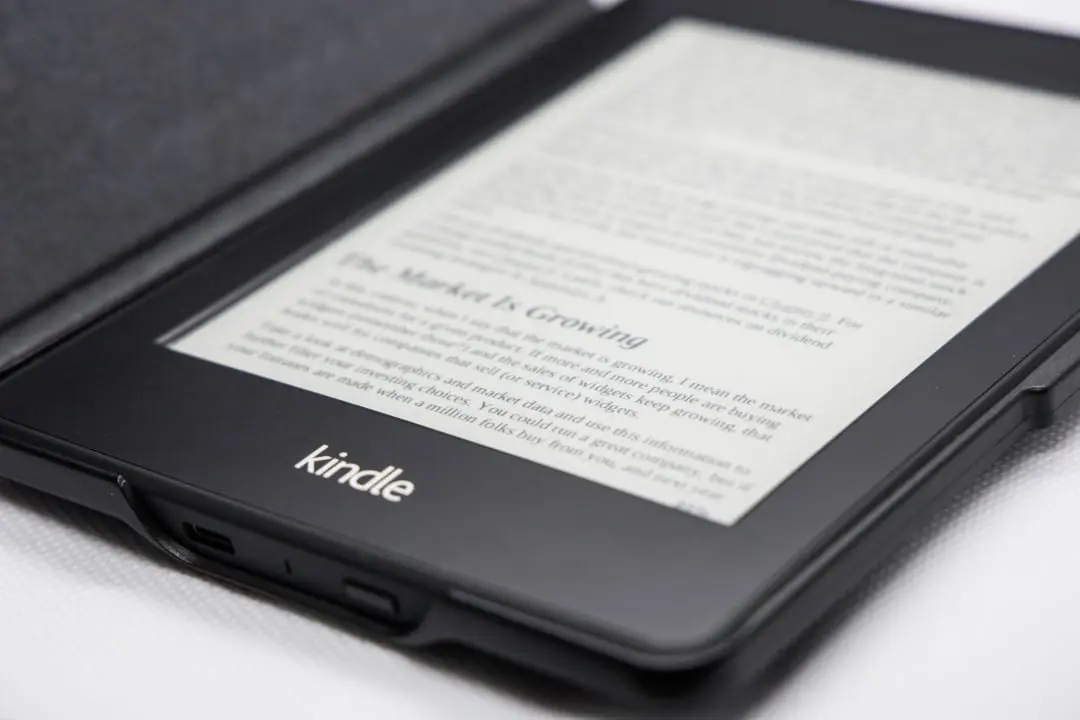
External factors that increase the device temperature
Several external elements can contribute to an increase in temperature above usual.
Casotti highlighted that, even though it is made for use in outdoor environments, such as beaches and parks, the Kindle still requires certain care.
Learn more: Amazon releases update for Kindle Colorsoft and Scribe with dark mode and stroke correction
Situations that can cause overheating include:
- Expose your Kindle to direct sunlight for long periods.
- Leave the device in a closed car on hot days.
- Using chargers or cables that are not compatible.
- Using the device while it is charging for a long time.
- Use third-party covers or cases that prevent heat dispersion.
The executive emphasized that keeping the device in a place with good ventilation, especially during charging, helps prevent high temperatures.
Kindle Safety Actions Against Excessive Heat
Amazon said the Kindle was designed to operate within a safe temperature range.
If the device becomes uncomfortably hot during use, we recommend pausing the reading and waiting a few minutes for it to return to normal temperature.
If the heating persists after this period, the manufacturer advises contacting the company’s technical support to assess the situation.
Recommendations to prevent your Kindle from overheating
Amazon suggests some basic precautions to extend the life of your e-reader and reduce the risk of excessive heating:
- Avoid leaving your Kindle in extreme heat, such as in a closed vehicle.
- Keep the device and charger in a well-ventilated place while charging.
- Use only chargers and cables designed for your device.
- Although it is suitable for outdoor use, avoid leaving your Kindle directly in the sun for hours without supervision.
- Remove third-party covers or cases if you notice that the device is heating up more than normal.
- Store your Kindle at temperatures between -10°C and 45°C when not in use.
In most cases, the Kindle heating up during reading or recharging is an inherent aspect of normal operation. However, if your device experiences excessive overheating, freezes, unexpected shutdowns, or abnormally high battery drain, it is prudent to discontinue use and seek support from Amazon.