RPCS3 emulator developers update hardware requirements to run PlayStation 3 games
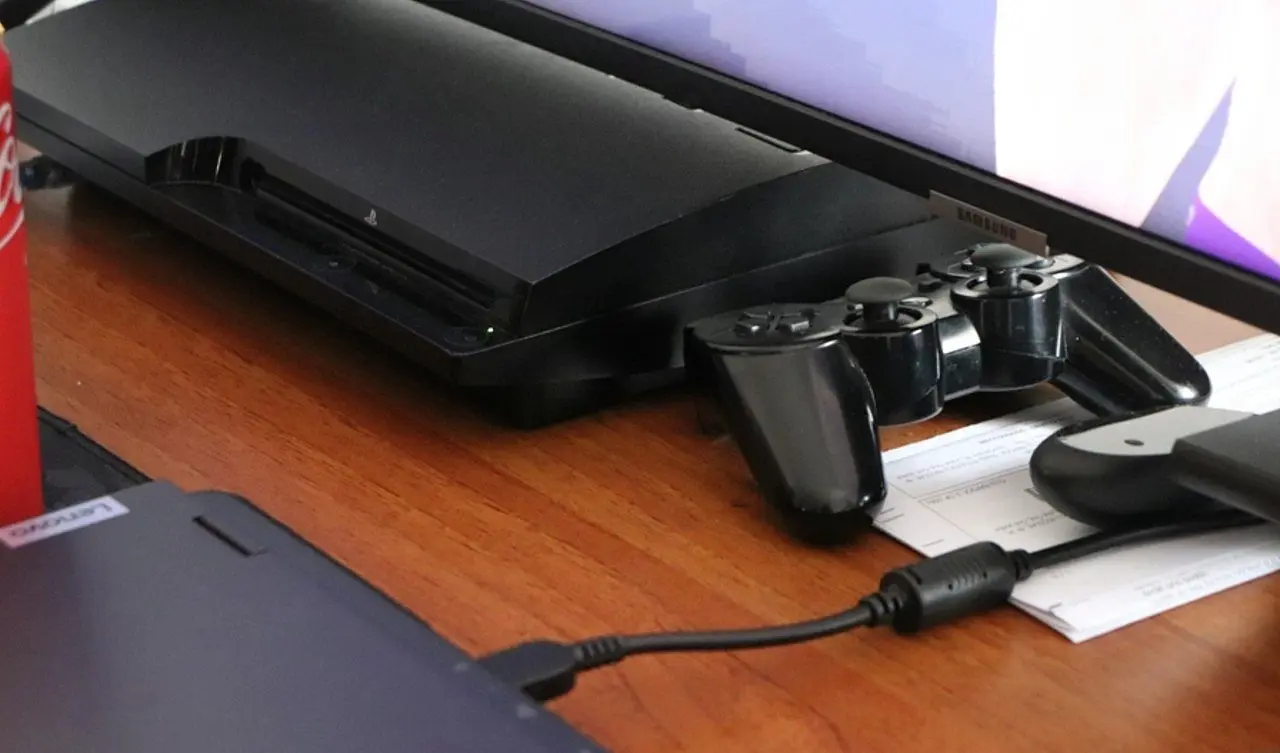
The team responsible for the RPCS3 software established new technical guidelines for the system’s operation on modern computers. The official document details the parts necessary to access the catalog of the old Sony console with stability. The information aims to guide users with different hardware profiles when assembling or updating their machines.
The update to the specification tables comes during a period of broad expansion of program compatibility. Developers aim to ensure that the visual experience and frame rate remain consistent across devices. The goal of the project is to cover everything from basic office computers to machines designed specifically for high gaming performance.

The main focus of the new recommended framework is on the multitasking processing capabilities of today’s machines. The original video game architecture requires CPUs with multiple cores to correctly translate codes and instructions. The processor’s operating frequency directly dictates fluidity in complex, open-world virtual scenarios.
Context of new requirements and support for smaller resolutions
The implementation of support for resolutions below the 720p standard represents a significant technical advancement for the user community. Essa adaptation allows the program to work acceptably on recent portable devices and corporate laptops that do not have dedicated graphics cards. Reducing the graphics load relieves the central system and maintains constant data flow during software execution.
- Processors need to support the AVX instruction set or higher to boot the system safely.
- The minimum RAM memory required reaches the 4 GB mark, subject to variations depending on operating system processes.
- Graphics cards with native support for API Vulkan prevent rendering failures on dense textures.
- SSD storage drives accelerate the loading of compiled shaders in real time.
For users operating older equipment, the minimum requirements establish a threshold focused exclusively on the primary functionality of the virtual environment. The computer needs a processor with at least four physical cores and a 64-bit operating system to translate the original console language. The technical team warns that, even with successful initialization, large-scale graphics titles experience severe slowdowns and continuous instabilities if the machine is unable to process the information at the speed required by the source code. Resolution flexibility acts as a direct resource to mitigate these sudden performance drops in input hardware.
More on this story: South Korean developer confirms technical specifications for the launch of Crimson Desert
Optimal settings for visual stability
The recommended hardware category focuses on delivering a visual experience identical to the hardware originally released in 2006. Developers recommend using processors with six cores and twelve threads to maintain ongoing stability.
The system requires at least 8 GB of RAM operating in dual channels to avoid delays in audio and artificial intelligence. Essa structure ensures proper functioning during moments of intense processing demand on the screen.
Graphics optimization and use of technology Vulkan
Image processing requires video cards with recent drivers and full support for Vulkan 1.1 technology. Using this API reduces the communication bottleneck between the physical parts of the computer and the emulation software.
Faithful replication of lighting and shadow effects directly depends on this advanced graphics compatibility. Jogadores with this machine profile report fluidity in most of the titles cataloged as functional by the preservation project.
Follow: all about emulation technology
Criteria for high definition and maximum performance
The quest for 4K resolutions and rates greater than 60 frames per second requires high-performance machines. The use of processors with high efficiency architectures and AVX-512 support becomes the necessary difference for this purpose.
Implementing these technologies speeds up the execution of the emulator’s complex mathematical routines. The process eliminates crashes and ensures an immediate response to user commands in fast-action games.
See Also

New visual indicator of online presence arrives in the WhatsApp application in testing

OpenAI expands ad testing on ChatGPT to boost revenue

Liverpool attracts major investment with Jeff Bezos and Eduardo Saverin in new consortium
The system requires 16 GB of high-frequency RAM to reduce data transfer latency. Placas Powerful video filters allow you to apply filters that improve the sharpness of original game textures.
Learn more: Pearl Abyss details graphical specs and performance of Crimson Desert for all platforms
Evolution of data compilation and operating systems
Continuous software advancement has led to improvements in shader compilation and network resource emulation. The updated version of the manual reflects the design’s ability to extract more power from intermediate components.
New code recompilation methods have opened up access to games that previously required expensive computers. Optimization transformed the experience in conventional hardware sold in today’s technology market.
The choice of operating system affects the final performance delivered by the emulation program. Distribuições Linux with tuned kernels show superior results in managing machine resources during intense use.
Windows remains the platform with the largest active user base in the development project. The team focuses on maintaining parity of updates and bug fixes between the different virtual environments available.
Practical differences between hardware tiers
The separation between optimized and maximum performance levels is based on the ability to sustain scaled resolutions without compromising fluidity. The optimized profile ensures solid 1080p execution, while the maximum level allows you to apply graphical modifications that overcome the limitations of the original video game. Breaking the frames per second limit revitalizes the visual presentation of classic works developed for the seventh generation.
The stability of the program does not result only from the power of the physical parts, but from the correct adjustment of the software’s internal parameters. The team recommends consulting official guides to configure specific memory options for each game listed in the database. The balance between the raw power of the computer and the precision of the software settings defines the success of emulation on any machine.
Full coverage: Latest News (EN)
Digital accessibility on portable devices
Adapting the software to run on smaller screens boosted the program’s use on portable consoles based on personal computer architecture. Reducing the technical entry barrier democratizes access to a vast catalog of digital works that depended exclusively on old physical media and hardware in the process of degradation. The development team’s commitment to providing accurate data on the requirements for each level of use prevents consumers from unnecessary spending on parts updates. Information transparency consolidates the computer as the definitive center for the historical preservation of software, ensuring that franchises remain active and accessible regardless of the natural failure of the original devices manufactured almost two decades ago.
Cooling systems and frequency maintenance
High-level emulation forces the processor to operate at maximum frequencies for long uninterrupted periods. The use of efficient cooling systems is mandatory to avoid overheating of parts and the consequent automatic reduction in machine performance during use sessions.