Samsung’s One UI 9 arrives with Android 17 and advanced features for Galaxy
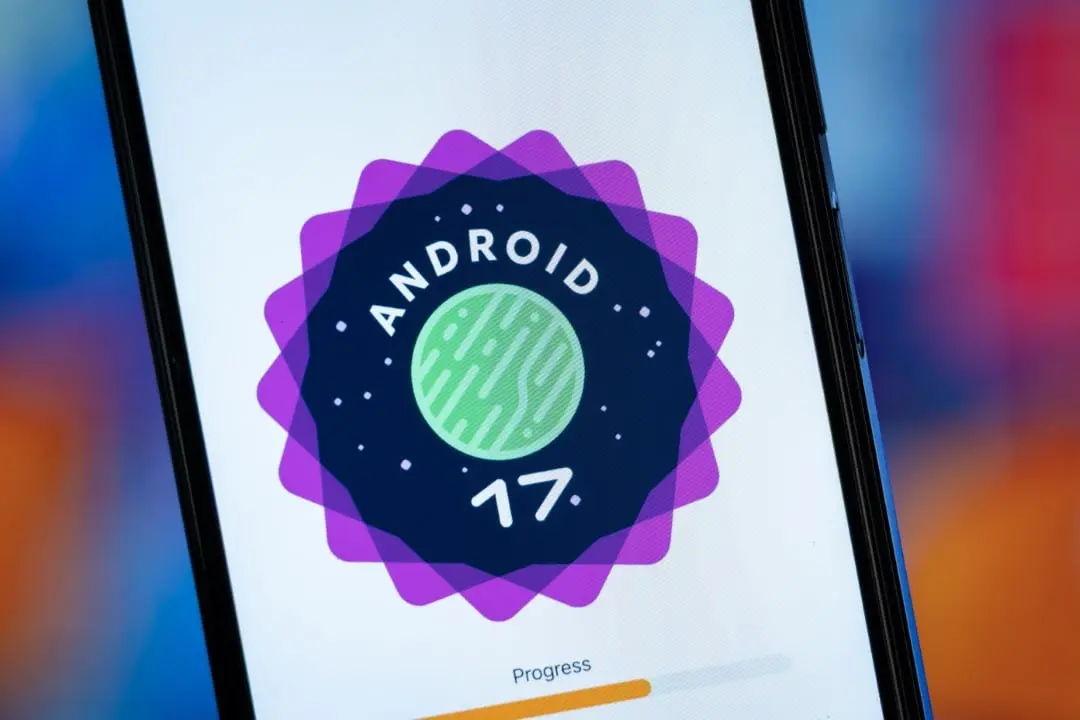
Samsung has made official One UI 9, the newest version of its interface for mobile devices, based on Android 17. The operating system will already be present from the factory on the new Galaxy Z Fold8 Ultra, Galaxy Z Fold8 and Galaxy Z Flip8 models, bringing innovations in personalization, predictive artificial intelligence and a simplified transition for users migrating from the iPhone. The seven main new features were revealed to the public on July 22, 2026.
Understanding the One UI 9 interface
One UI represents the software layer that Samsung implements on top of the Android system on its Galaxy smartphones and tablets. The ninth edition, built on Android 17, incorporates a set of visual enhancements, new accessibility tools, protections against suspicious software and an expanded artificial intelligence experience integrated into various services. The One UI 9 beta program began in May, primarily for the Galaxy S26 series in specific markets. The full reveal took place alongside the launch of the brand’s new foldable devices. Samsung reported that details about the availability of the devices in Brazil will be released soon, confirming that the Galaxy Z Flip8, Galaxy Z Fold8 and Galaxy Z Fold8 Ultra will be the first in the country to feature the new interface.
On the same topic: Samsung’s August update brings 56 security fixes for the Galaxy line
Quick controls become adjustable in the new version
The One UI 9 quick access panel now offers greater freedom in organizing shortcuts. Important controls like screen brightness, sound volume, and media players can be resized independently. This flexibility allows users to prioritize the most used commands, optimizing the available space and making the panel more efficient for everyday use. The new feature adds to the already existing ability to rearrange essential buttons, such as Wi-Fi, Bluetooth, airplane mode and energy saving. This way, the same interface can adapt uniquely to each individual’s routine, resulting in personalized panels.
Audio and video player gets a renewed look
The music and podcast player app in One UI 9 has been redesigned with a more vibrant and translucent style. The content progress bar can take on shades that match the album or podcast cover, and the control buttons (playback, forward and backward, and track list) now appear separate from the background. This new visual pattern extends to the lock screen and the Now Bar. In addition to aesthetics, the player module can occupy different spaces in the quick panel, being configured to show only essential commands when in compact mode.
Now Nudge now predicts and suggests next actions
The Now Nudge feature has been improved to analyze the context of conversations and intelligently propose subsequent actions. For example, if a conversation on a messaging app involves arranging a date, artificial intelligence can suggest consulting the calendar, searching for an address or saving the location. The functionality, originally announced with the Galaxy S26 and One UI 8.5, continues to be improved to offer even more convenience to users. On Samsung’s foldable devices, the suggestion can even open apps side by side in a multi-window mode. The company ensured that automations, powered by Gemini Intelligence, operate in more than 40 applications and services, facilitating tasks such as finding tickets, locating restaurants and making reservations.
Migrating from iPhone to Galaxy becomes easier with Smart Switch
The updated version of Smart Switch allows data transfer between an iPhone and a Galaxy device to be initiated without the need to install an additional application on the old device, simply by scanning a QR Code. In addition to common items such as photos, videos and contacts, it is now possible to migrate passwords, passkeys, call history, accessibility settings and even eSIM data, depending on carrier compatibility. One UI 9 also improves Quick Share integration with AirDrop. File exchange can now work in both directions between Galaxy devices and compatible Apple products, overcoming one of the well-known barriers between the ecosystems.
More on this story: End of the line for Samsung cell phones: see which models lose One UI 9 and updates
See Also

Electrical discharge knocks man off roof in Jaguaruana after contact with power lines

Global auction raises US$11.9 million and Brazil’s historic currency reaches record value

Former fighter Prichard Colón dies at age 33 after decade in a vegetative state
Now Brief delivers more information and security alerts
Now Brief, which already organized personalized information throughout the day, gains new scenarios, customizable cards and recommendations aligned with the user’s routine and interests. The main screen can prominently display appointments, weather, exercise data and action suggestions, eliminating the need to open multiple apps. In One UI 9, the daily summary also includes security and privacy alerts. The objective is to inform about possible risks and recommend protective actions in conjunction with the user’s other daily content.
My FanCam allows you to automatically frame people in videos
Focused on content creation, the My FanCam tool allows the user to select a person in a video, and artificial intelligence will follow their movements, remaking the frame in the desired proportion. The final material can be exported in formats optimized for social networks, reducing manual editing time. In the new folding models, the system also offers simultaneous recording with the front and rear cameras. On the Galaxy Z Flip8, Super Steady mode receives the Horizontal Lock option, which aims to maintain recording stability even in moments of intense movement. This feature was one of the highlights of the Galaxy S26 Ultra, which indicates that it may be restricted to the Galaxy Z Fold8 Ultra.
Samsung’s unified AI, privacy and support center
One UI 9 incorporates the AI Assistant Activity panel, an area that contains all automations performed on the user’s behalf. Through this panel, it is possible to check the actions carried out, identify the responsible agent and access its settings. The system also improves privacy alerts, notifying you of unnecessary access attempts to background permissions. Applications considered high risk can be blocked even before installation, with immediate deletion recommended. Additionally, a new warranty and support center has been created, bringing together Samsung Care+, warranty information, device diagnostic tools, repair requests and remote support in one place.
Learn more: Google improves Chrome with updates that require restarting the browser
One UI 9 release forecast for the public
The Galaxy Z Fold8, Galaxy Z Fold8 Ultra and Galaxy Z Flip8 are the first devices to be announced with Android 17 and One UI 9 factory installed. As a point of reference, the beta version was initially made available to Galaxy S26 line users in Germany, South Korea, the United States, India, Poland and the United Kingdom, with Brazil not being included in the first phase of testing.
Devices compatible with the One UI 9 update
Samsung has not yet released the exact date on which the new models will reach the Brazilian market, nor which older smartphones and tablets will receive the stable version of the update. This information is expected to be released around August, about a month after the launch of the new foldables. Based on the company’s software policy, an analysis indicates that the following devices should receive the update in the coming months:
- Galaxy S Line:
- *Galaxy S26
*Galaxy S25
*Galaxy S24
*Galaxy S23 - Galaxy Z Line:
- *Galaxy Z TriFold
*Galaxy Z Fold 7
*Galaxy Z Flip 7
*Galaxy Z Flip 7 FE
*Galaxy Z Flip 8
*Galaxy Z Fold8
*Galaxy Z Fold8 Ultra
*Galaxy Z Fold Special Edition
*Galaxy Z Fold 6
*Galaxy Z Flip 6
*Galaxy Z Fold 5
*Galaxy Z Flip 5 - Galaxy A Series:
- *Galaxy A57
*Galaxy A56
*Galaxy A55
*Galaxy A54
*Galaxy A37
*Galaxy A36
*Galaxy A35
*Galaxy A34
*Galaxy A26
*Galaxy A25
*Galaxy A24
*Galaxy A17
* Galaxy A16 (LTE & 5G)
* Galaxy A15 (LTE & 5G)
* Galaxy A07 (LTE & 5G)
*Galaxy A06 5G - Galaxy M Series:
- *Galaxy M56
*Galaxy M55
*Galaxy M55s
*Galaxy M54
*Galaxy M36
*Galaxy M35
*Galaxy M34
*Galaxy M17
*Galaxy M17e
*Galaxy M16
*Galaxy M15
*Galaxy M07
*Galaxy M06 - Galaxy Tab Line:
- *Galaxy Tab S11
*Galaxy Tab S11 Ultra
*Galaxy Tab S10 Plus
*Galaxy Tab S10 Lite
*Galaxy Tab S10 Ultra
*Galaxy Tab S10 FE
*Galaxy Tab S10 FE Plus
*Galaxy Tab S9
*Galaxy Tab S9 Plus
*Galaxy Tab S9 Ultra
*Galaxy Tab S9 FE
*Galaxy Tab S9 FE Plus
*Galaxy Tab S6 Lite (2024)
*Galaxy Tab A11
*Galaxy Tab A11 Plus
*Galaxy Tab Active 5
*Galaxy Tab Active 5 Pro