IOS 26.2.1 update destroys iPhone battery and blocks return to previous version
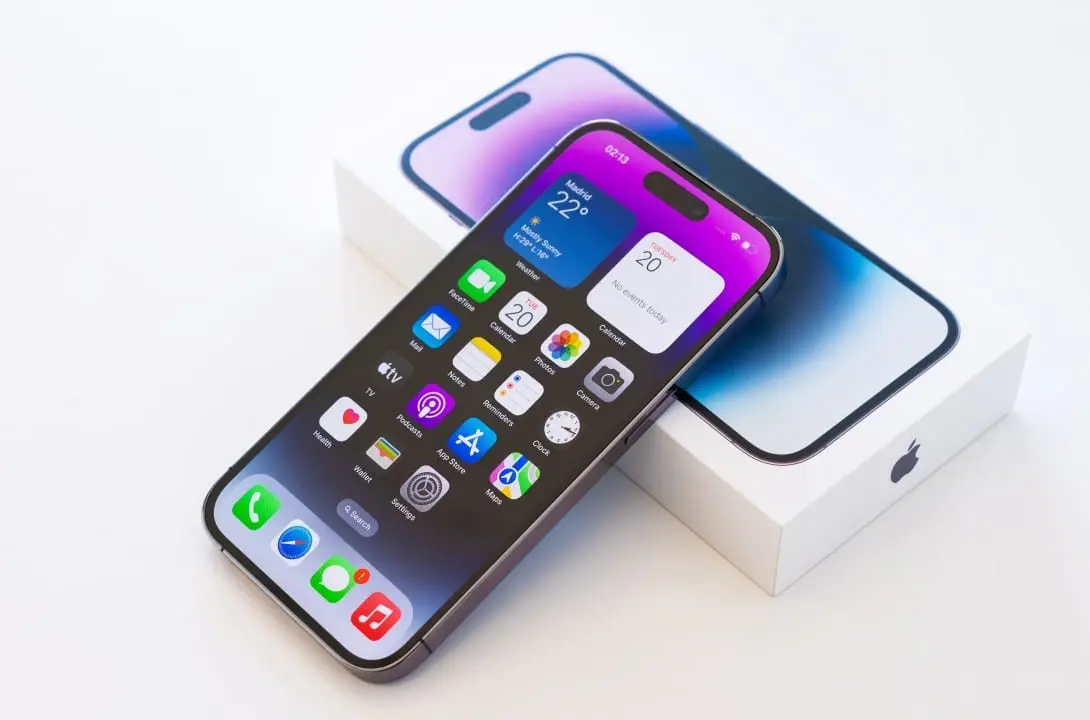
The recent release of the iOS 26.2.1 system has transformed the routine of thousands of iPhone owners into a real technological headache. The software package, which arrived on devices with the main promise of optimizing integration with the new AirTag 2 trackers, brought with it a widespread performance failure. Reports accumulated on Apple support forums and specialized communities indicate that the installation severely compromises the phone’s basic functions. The manufacturer’s silence on the matter worsens the dissatisfaction of consumers who depend on the equipment for work, leisure and daily communication.
Discontent quickly gained strength on discussion platforms such as Reddit and the MacRumors portal, where topics on the subject accumulate thousands of interactions in a few hours. Consumers describe an immediate degradation in usability shortly after the reboot that completes the system update process. The reported defects are not concentrated in a single component, spreading across vital areas ranging from power management to native application stability. This range of flaws suggests a deep problem in the new version’s code, affecting the software’s core architecture.
To make the situation worse for those affected, the Cupertino company took a standard security measure that, in this specific case, worked like a digital trap. The signature of the previous version, iOS 26.2, was officially revoked by the manufacturer’s servers. In practice, this means that the system prevents any attempt to downgrade the software, forcing anyone who has already installed the defective package to live with daily crashes until a new fix is distributed globally by the company.
Severe impact on the energy autonomy of high-end models
Energy management has become the main target of complaints, aggressively affecting even the most recent and expensive devices in the range. Owners of the iPhone 17 Pro Max, a device known precisely for its long-lasting battery, report that the charge drops abnormally even when the phone is at rest on the table. The rapid depletion of the battery nullifies one of the main competitive advantages of the top-of-the-line model, generating frustration among consumers who invested high amounts in search of autonomy for the whole day.
Excessive power consumption is usually accompanied by noticeable overheating on the back of the device, just below the camera module. When the processor works overload due to software failures, the temperature rises and the system reduces screen brightness and processing speed to avoid physical damage to internal components. Many users describe their phones as virtually unusable outside the home, requiring constant plugs into outlets or portable batteries to get through business hours.
Learn more: Complete guide to updating your Apple smartphone’s password protection
Technology experts point out that system updates tend to consume more battery in the first 48 hours due to file indexing in the background. However, the behavior observed in iOS 26.2.1 exceeds any margin of normality expected for this technical adaptation process. Continuous drain indicates that system processes are stuck in endless error cycles, demanding maximum processing from the chip without any real need from the user.
Collapse in internal storage and unstable connections
One of the most bizarre errors documented by the community involves a false exhaustion of the smartphone’s internal storage space. Customers report that, after installing the package, the system suddenly and completely unjustifiably starts to require around 30 GB of free space. The flaw creates a cycle of crashes where the user deletes dozens of heavy applications, photos and videos, but the system continues to warn about the lack of memory and freezes the graphical interface repeatedly.
The only temporary solution found for this chronic freezing is to force a hardware reset via the side button combination. However, the relief lasts less than ten minutes before the applications close by themselves again and the screen stops responding to finger touches. This level of instability compromises trust in the device, turning simple actions like sending an urgent text message or opening a work email into impossible tasks to complete.
In addition to ghost storage, communication with the outside world also suffered direct impacts after downloading the software. There are constant drops in residential Wi-Fi network connections and severe instability in the use of mobile data via 5G antennas. The device loses the operator’s signal for no apparent reason, forcing the owner to activate and deactivate airplane mode several times in a failed attempt to restore access to the internet and conventional phone calls.
More on this story: New iPhone 18 line brings 200 MP lens and debuts long-awaited foldable cell phone from Apple
See Also

Nintendo releases refunds for Xenoblade Chronicles X update on Switch 2 after visual glitches

Valve’s new console reaches $800 with the impact of artificial intelligence

Apple revolutionizes the market with 5.5 mm cell phone and liquid glass screen
Loss of personal data and failures in biometrics resources
The update did not spare the manufacturer’s native applications, causing direct damage to the organization of users’ daily data. The internet browser and the map system exhibited erratic behavior that resulted in the loss of important information for the navigation routine. Flaws in biometric sensors also added an extra layer of difficulty in securely accessing the phone, exposing sensitive data.
Among the most reported problems on support forums, specific failures that break the fluidity characteristic of the brand’s ecosystem stand out. The list of damage caused to standard applications includes alarming situations:
On the same topic: Hidden tweak on iOS improves audio quality when using headphones on iPhone
- The abrupt closing of the Safari browser, which discards all open tabs without any prior warning or chance of recovering the search history.
- The complete disappearance of saved addresses and favorite routes in the Apple Maps app, forcing the driver to reconfigure daily destinations from scratch.
- The extreme slowness of Face ID facial recognition, which often fails repeatedly when trying to unlock the device’s home screen.
- The sudden incompatibility of biometrics with third-party banking apps and password managers, blocking quick access to financial services.
The Face ID compromise raises serious questions about the device’s temporary security in outdoor environments. When the biometric reader fails repeatedly, the system requires the numeric password to be entered in public places, exposing the user to the risk of observation by malicious third parties. Facial biometrics is the security pillar of the company’s modern ecosystem, and its failure affects everything from contactless purchases in stores to the authentication of important digital documents.
History of problematic updates and next steps
The development of modern operating systems involves enormous complexity, requiring balancing old codes with new hardware released annually. The rush to release support for new accessories, such as the brand’s second generation of trackers, often results in poorly optimized software packages. The recent history of technology shows that rigorous internal testing cannot always simulate the impact of an update when it hits millions of devices simultaneously in different parts of the world.
The manufacturer’s strict policy of blocking the return to previous versions of the system has a technical justification based on protection against cyber attacks. By forcing you to stay on the latest version, the company ensures that old vulnerabilities are not exploited by hackers. The side effect of this security strategy is exactly the current problem, where the consumer is held hostage by broken software without any official escape route available on the servers.
The unanimous recommendation of digital security experts at this time is to ignore the iOS 26.2.1 update notification that appears on the screen. Those still on previous versions should disable automatic updates in the device settings and wait patiently. The technology market’s expectation is that the manufacturer will release an emergency correction package, possibly named version 26.2.2, in the coming days to stem the usability crisis and restore peace among customers.
More on this story: Apple updates Image Playground and increases the quality of AI-generated images
For consumers who already have compromised phones, the only thing left to do is keep daily backups in the cloud to avoid permanently losing photos and documents if the device requires a complete format in the near future. Continuously documenting errors through official support channels helps the company’s engineering team map the extent of the problem and accelerate the development of the definitive fix code everyone is waiting for.